How Can We Help?
How to Create Price Drop Promotion
UPLOAD NEW STORE PRICE – PROMOTIONAL PRICE FOR SELECTED STORE FOR SPECIFIC DATE RANGE
| Navigate to Item Price Management under Item Setup in Inventory Module at Head Office. | 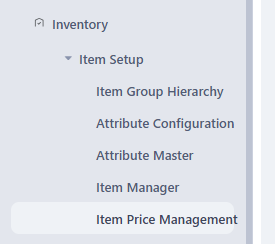 |
There are two tabs
|
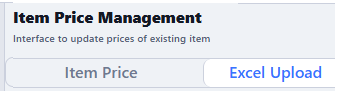 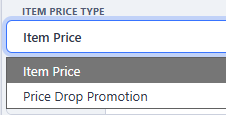 |
| Once you choose price dop promotion, need to choose the store too for which the promotional price is required | 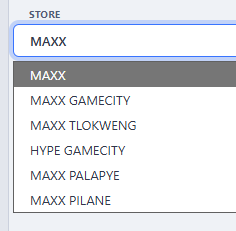 |
| Prepare an excel sheet with four columns e.g. BARCODE FROMDATE TODATE SALEPRICE |
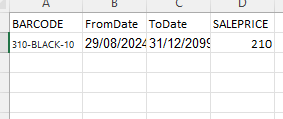 |
| CHOOSE THE EXCEL FILE BY CLICKING ON CHOOSE FILE AND IT WILL POPULATE ALL THE FILLED REQUIRED IN BELOW TABLE |
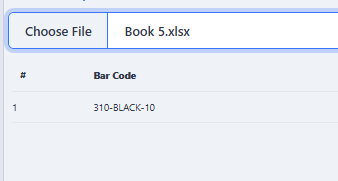 |
| SAVE THIS DOCUMENT AND PRICE WILL BE UDPATED |  |
AFTER SCHEDULED TO DATE POS WILL AUTOMATICALLY START PICKING THE MASTER DATE