How Can We Help?
KB-0009 How to Change Price at POS Billing
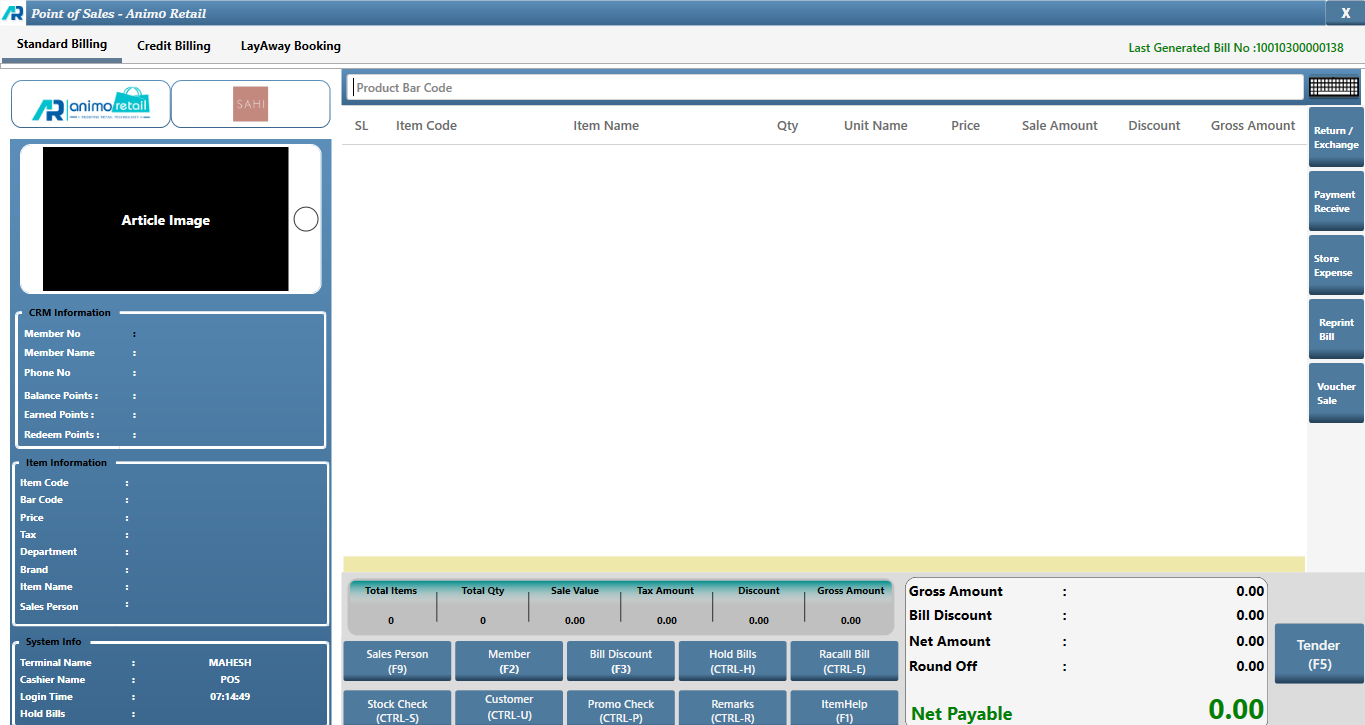
- Billing Interface
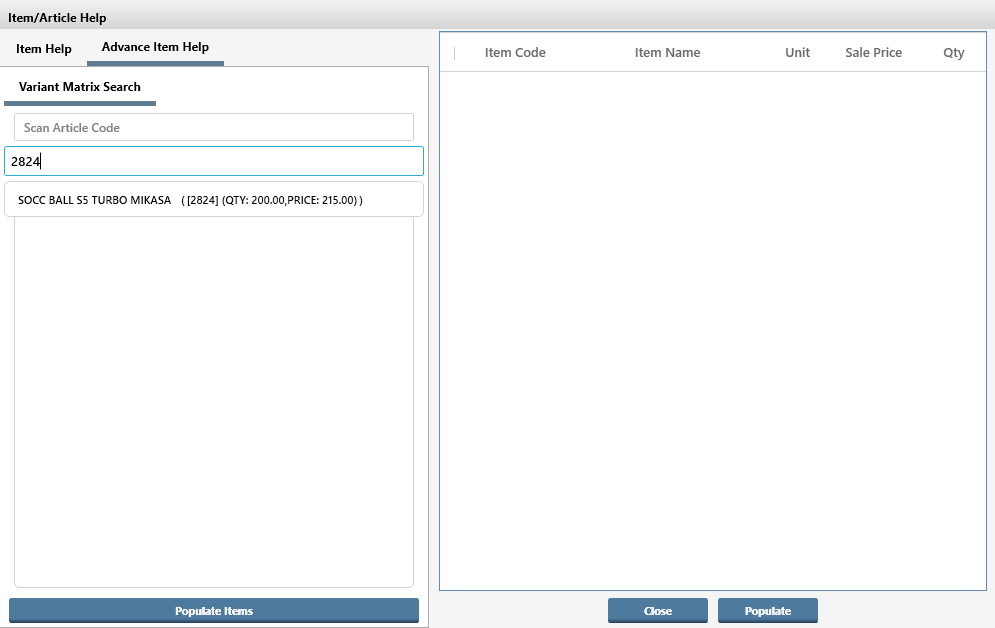
- Scan the item or select the article
- Click on an icon with Price Tag
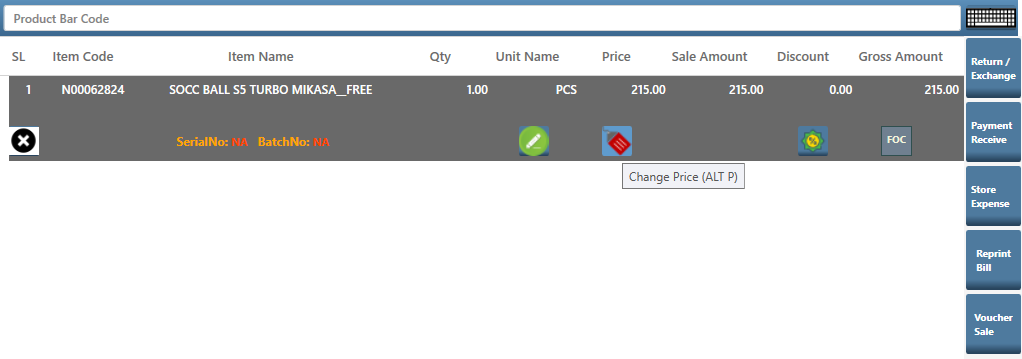
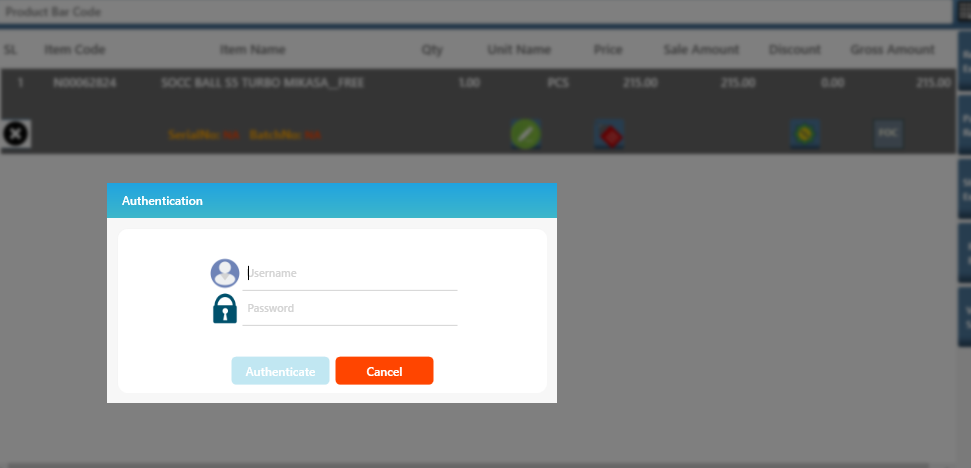
- If user is allowed to change price a dialogue box will appear if user is not allowed to change price it will ask for an authentication window which can be authorized by Supervisor or Manager
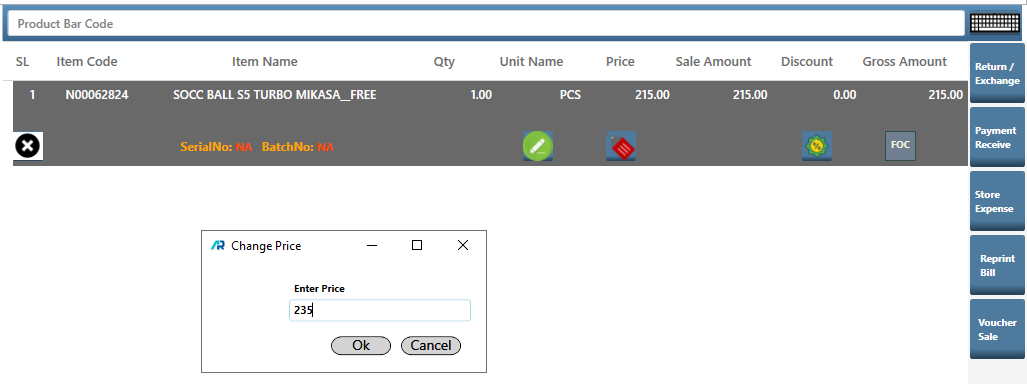
- Price Change Interface will open
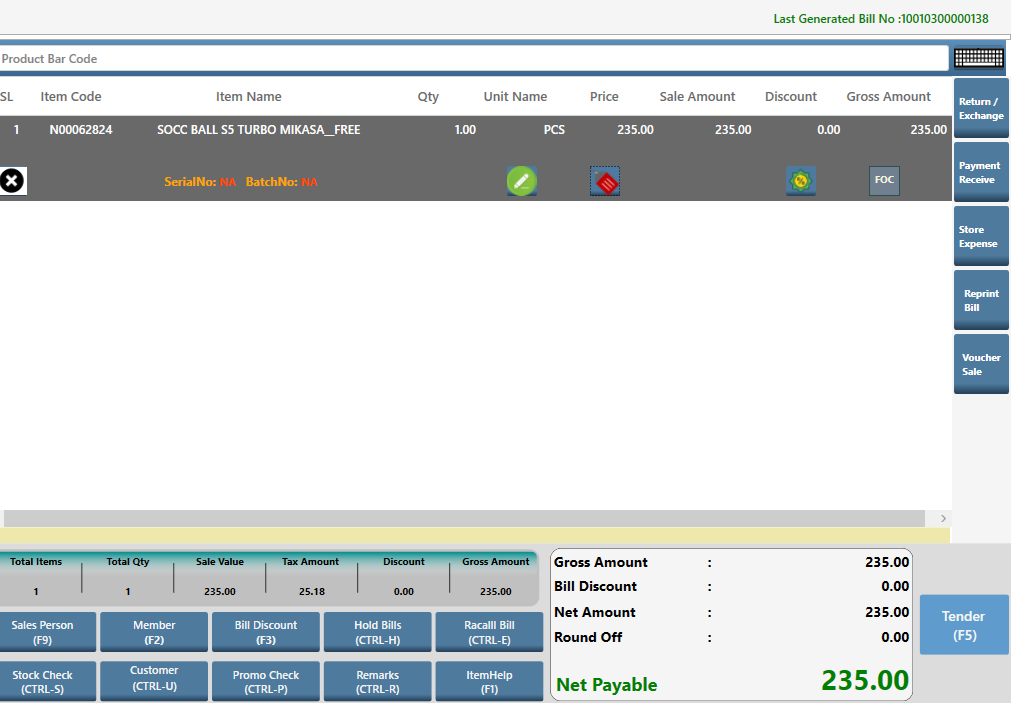
- Click on Apply Promo (F5) and then Tender : F5
- Mode of Payment
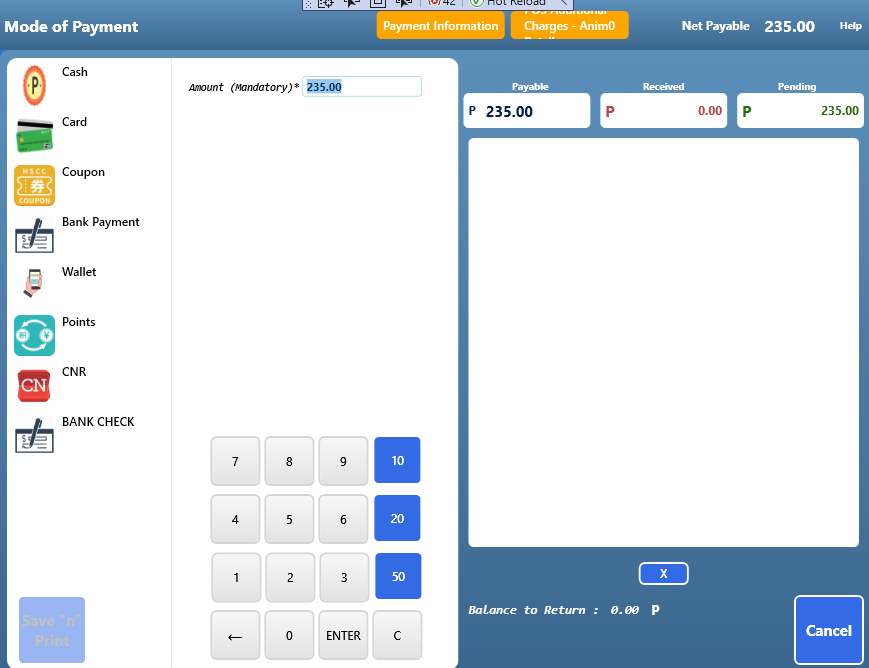
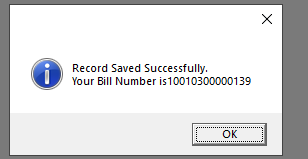
- Bill is saved