How Can We Help?
KB-0011 How to apply Item level discount.
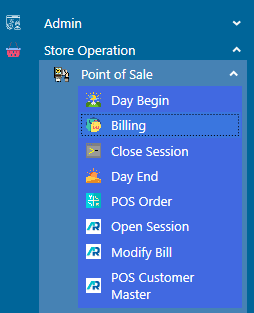
>Navigation : Store Operation >Point of Sale > Billing.
> First Click on Billing Function.
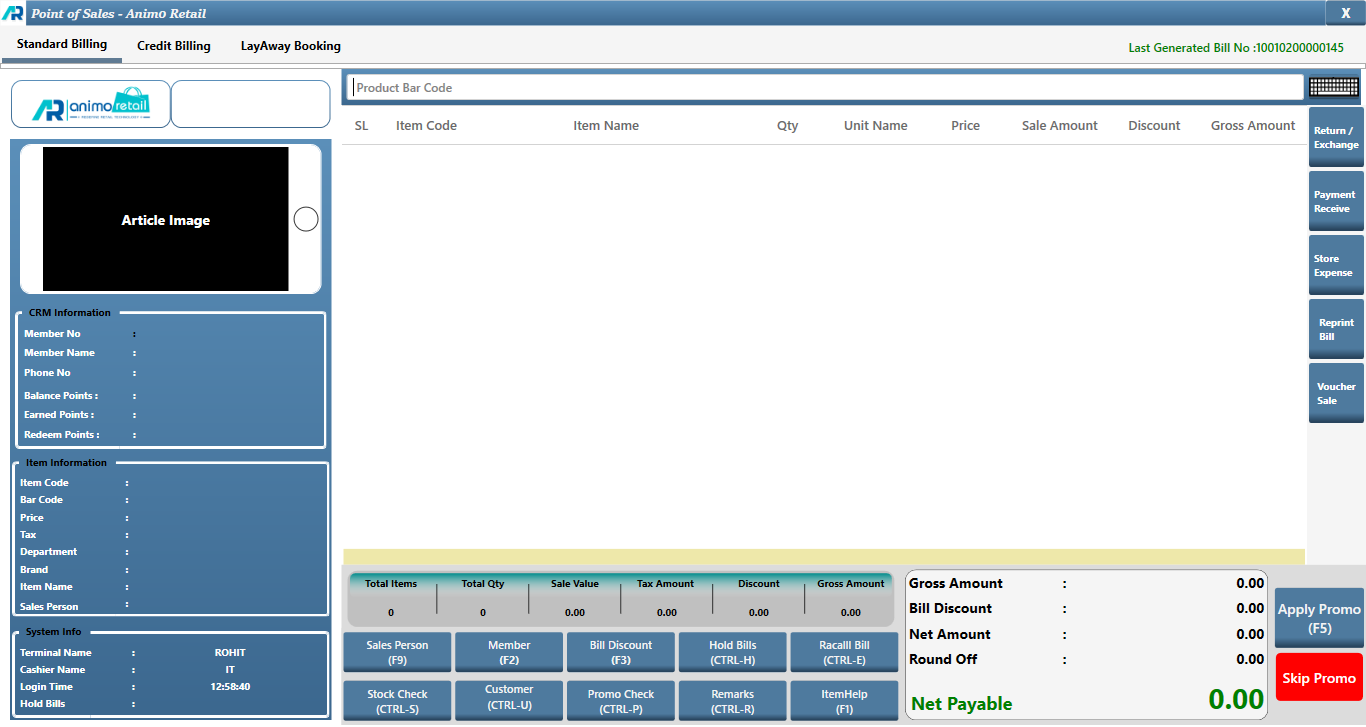
>After clicking Billing function this window will appear.
>First you Select the items for which you want to Bill.
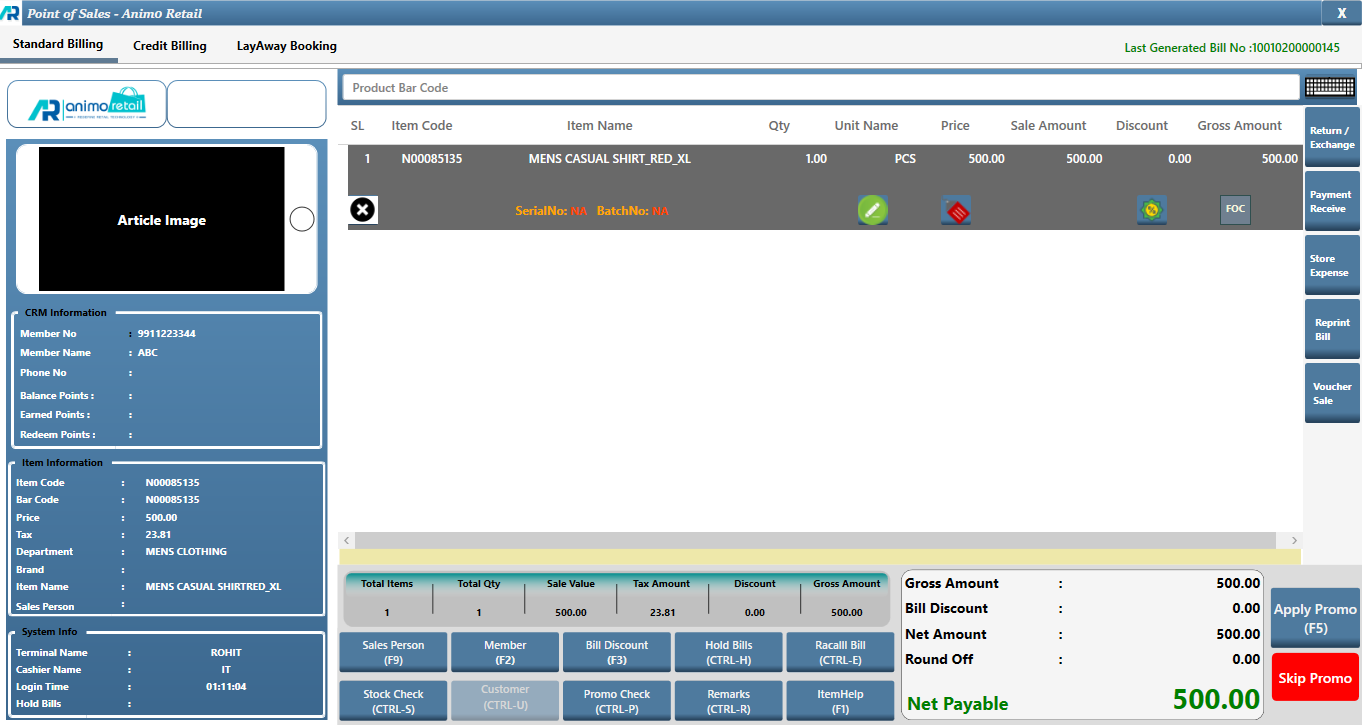
>After that, double click on that option.
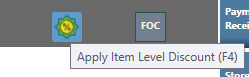
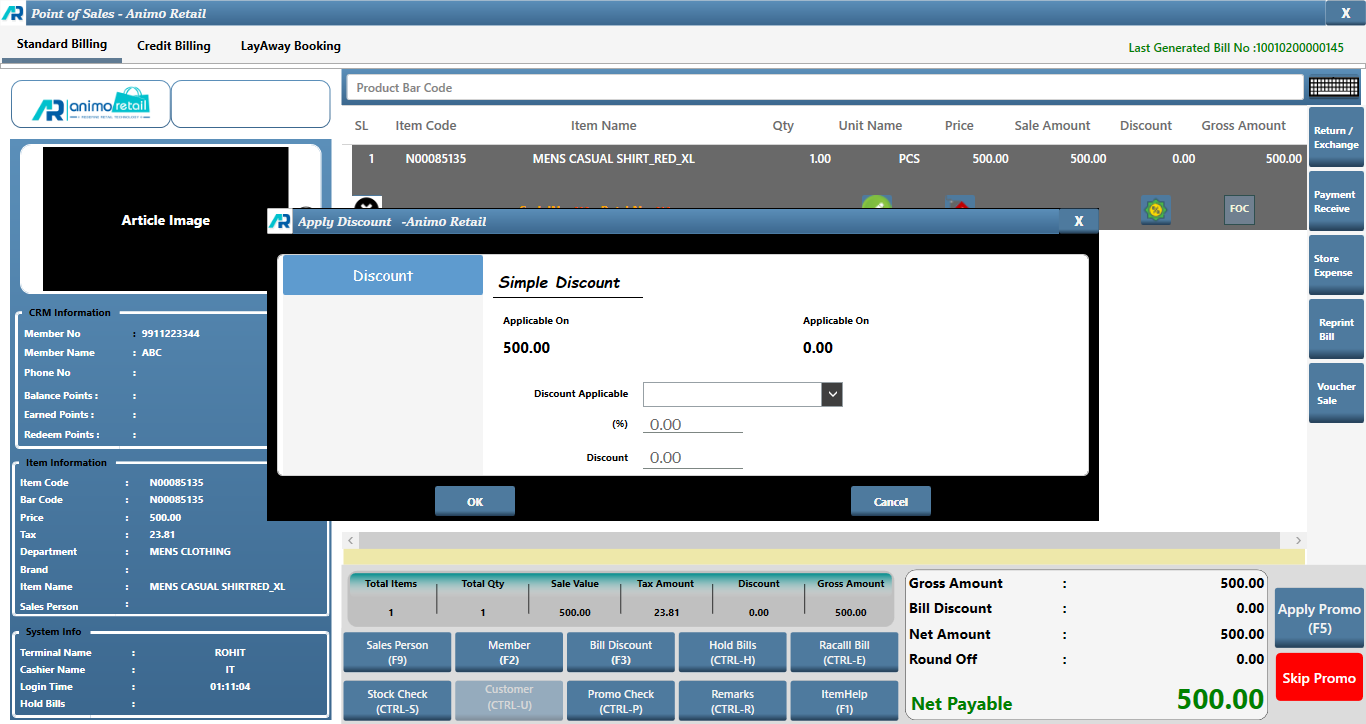
>When you double click on [Apply Item Level Discount] button, this window will appear.
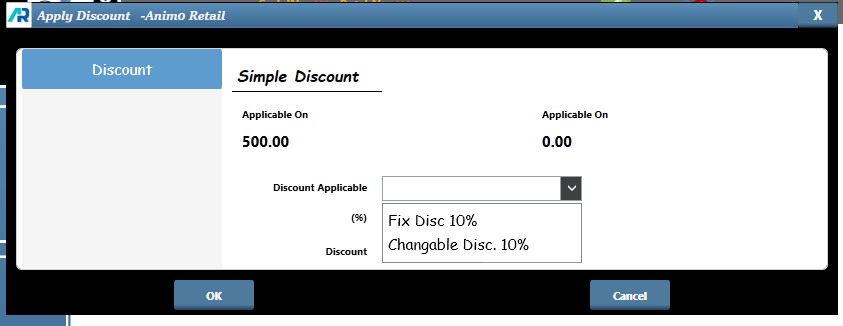
>Click on Discount Applicable drop down, there are two option first is Fix Dis 10% or second is Changable Disc %, If you want to give fix disc then you select Fix Disc 10% option, if you want to give any other discount percentage then you select Changable Disc option.
>After selection, click on ok button to apply discount amount.
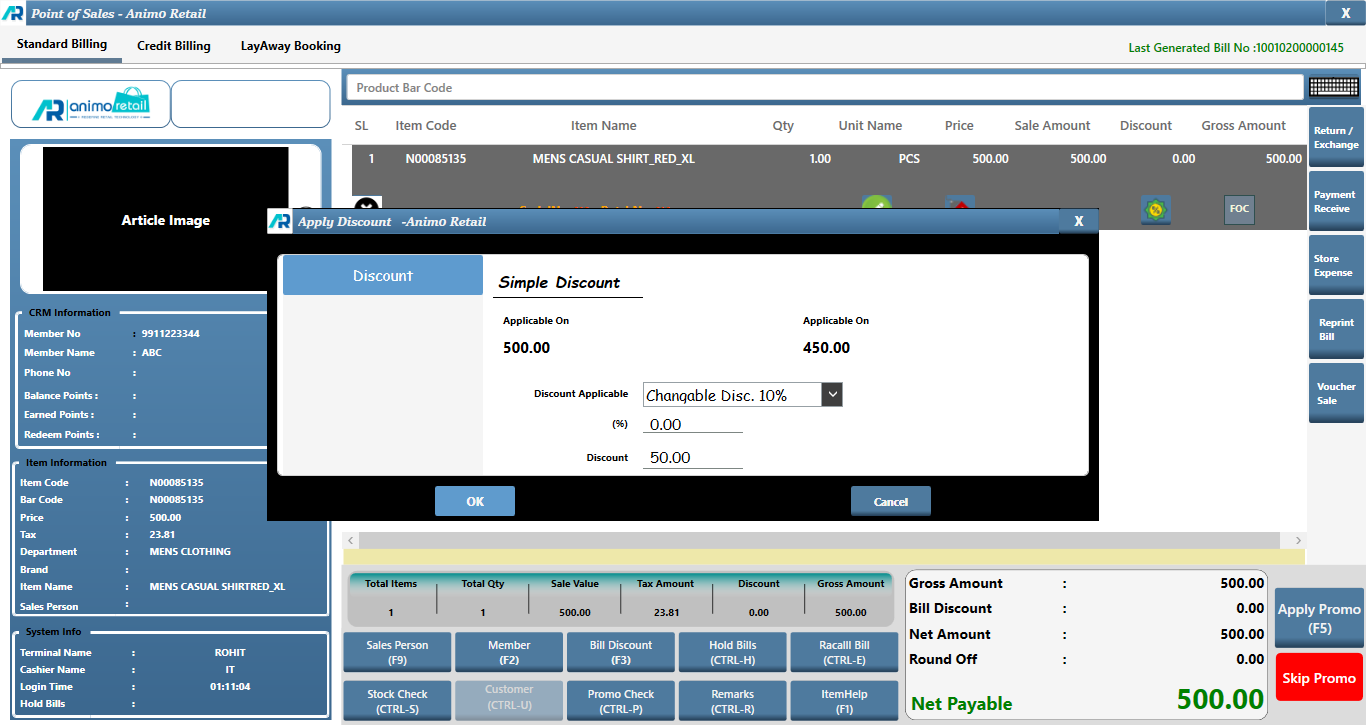
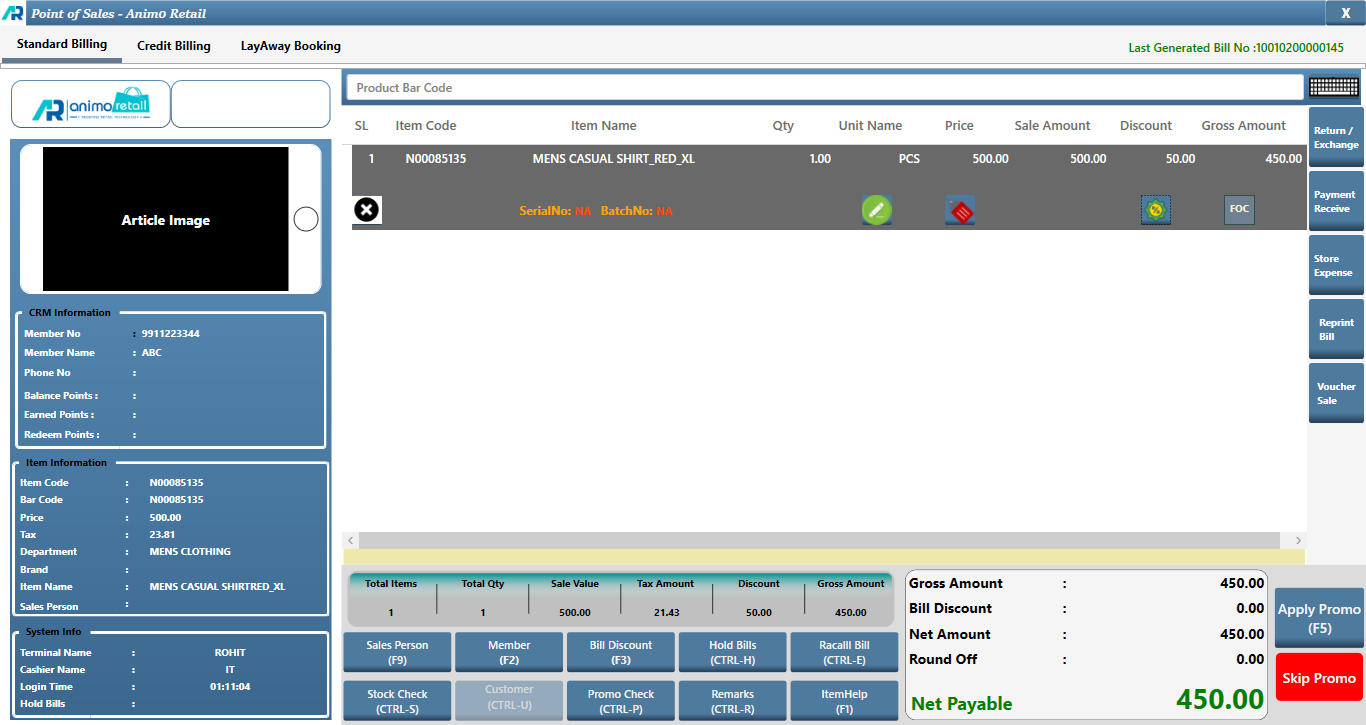
> Now you can see that, your Item Level Discount is apply successfully.