KB-0013 How to make a Return/Exchange of the items (Complete Process)
>Navigation : Store Operation >Point of Sale > Billing.
> First Click on Billing Function.
>After clicking Billing function this window will appear.
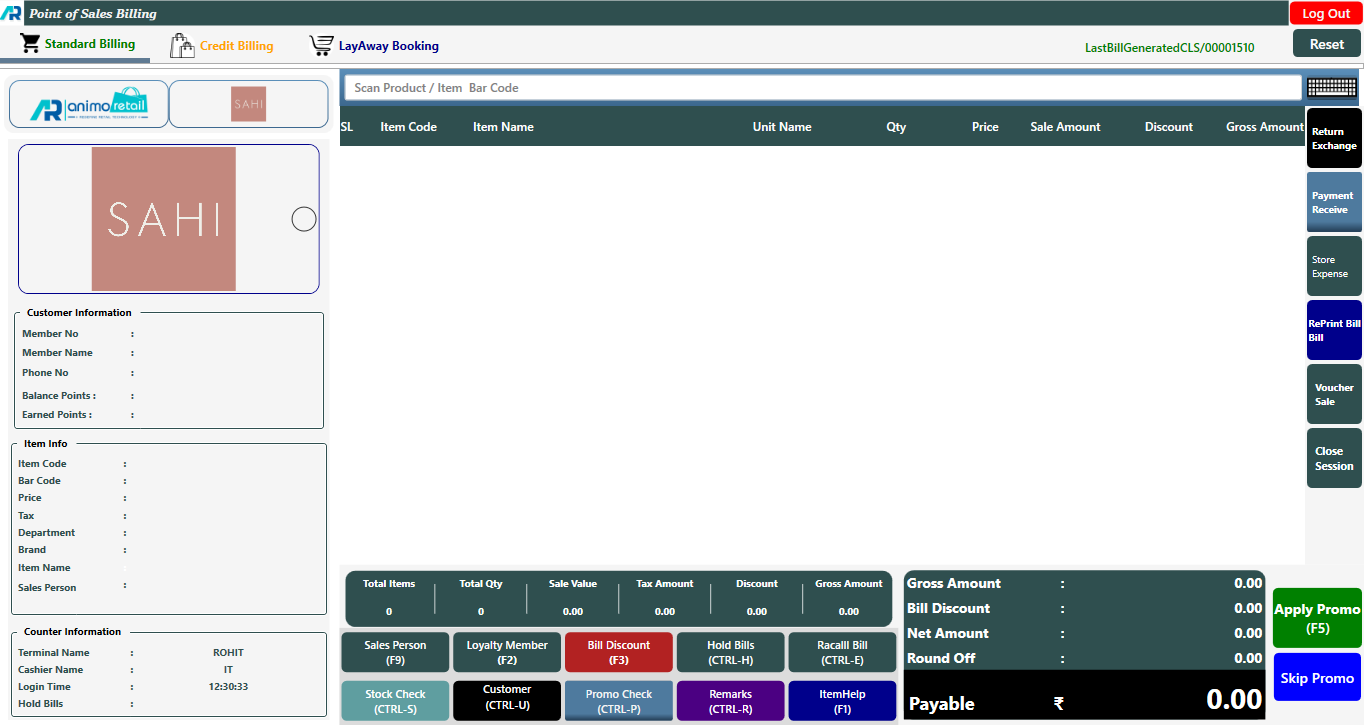
>If you want to exchange the item, first scan the items that you want to exchange. For example, if you want to change the size of an item, first scan the item of the correct size that you have taken.
>As you have purchased the item Kids Trouser Size-32, now you want to exchange it and have to take Size-34, so first scan the item of size-34
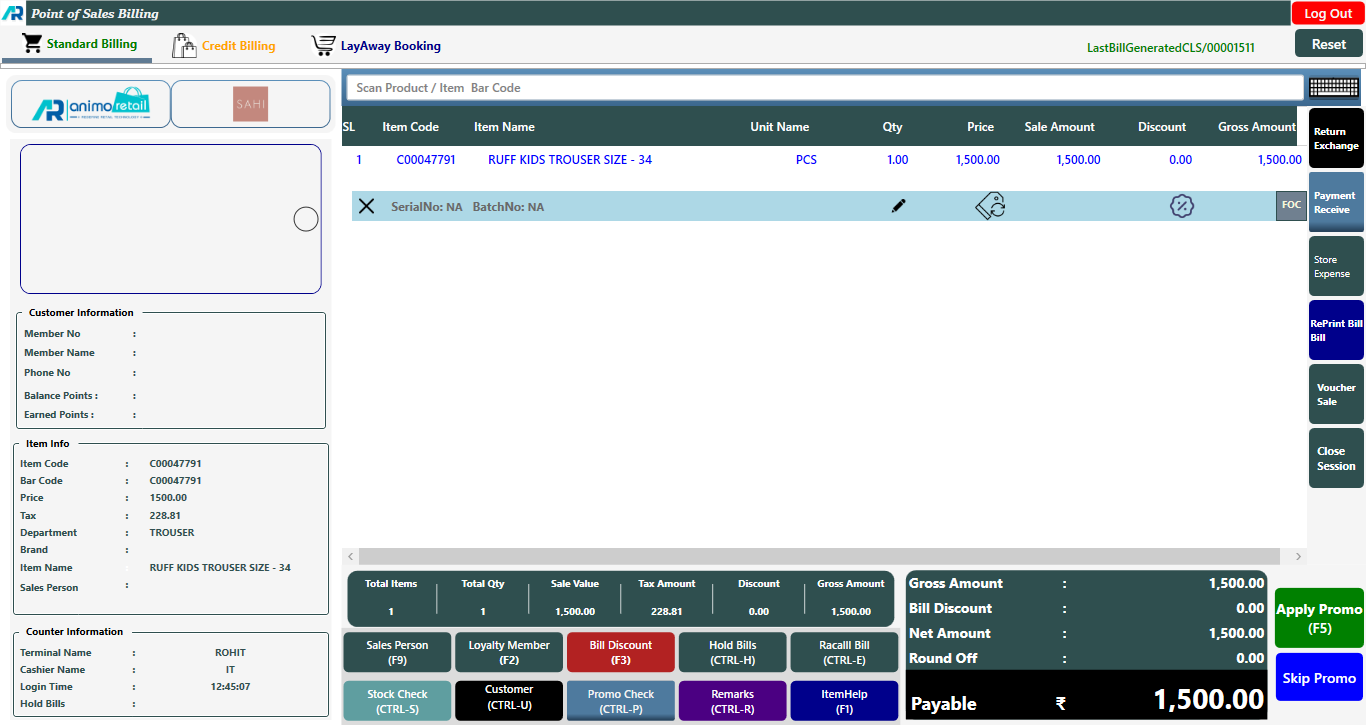
> After that click on the Return Exchange button or press F7 key.

>Enter the bill no against which return exchange has to be made. Press on Help Button if Bill No is not available
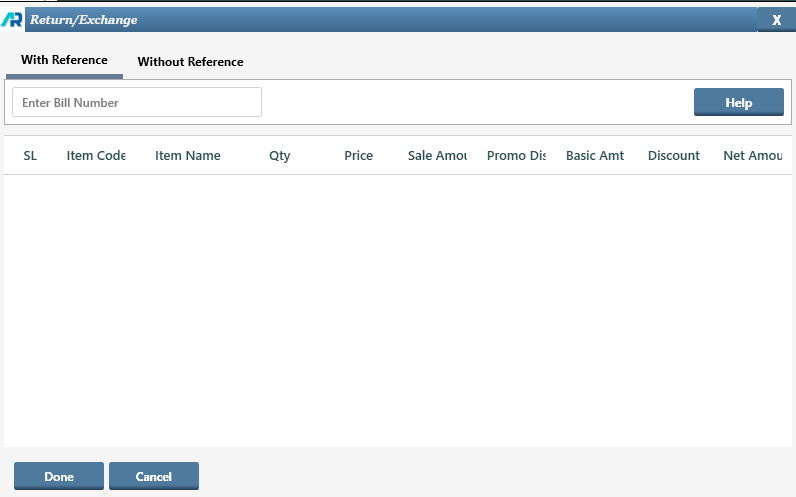
>When you click on Help button option this window will appear.
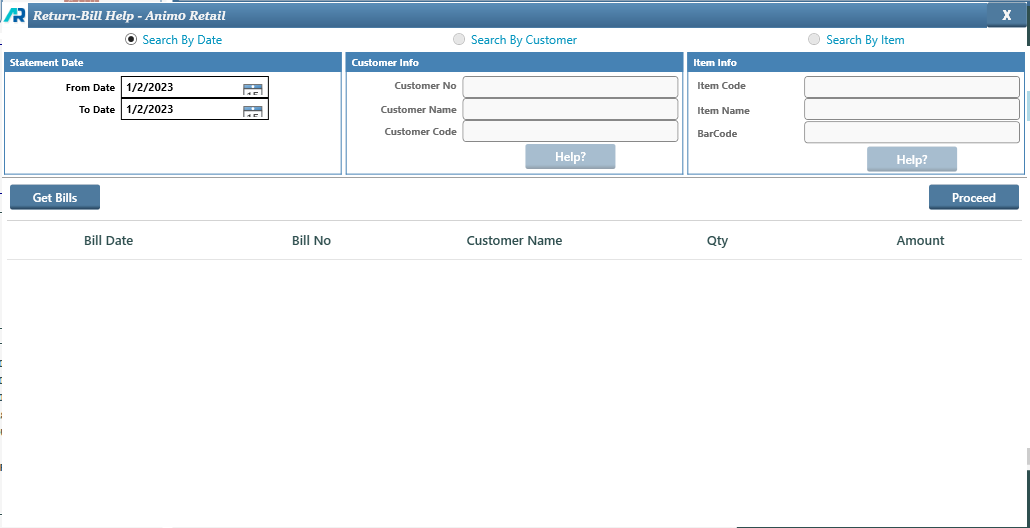
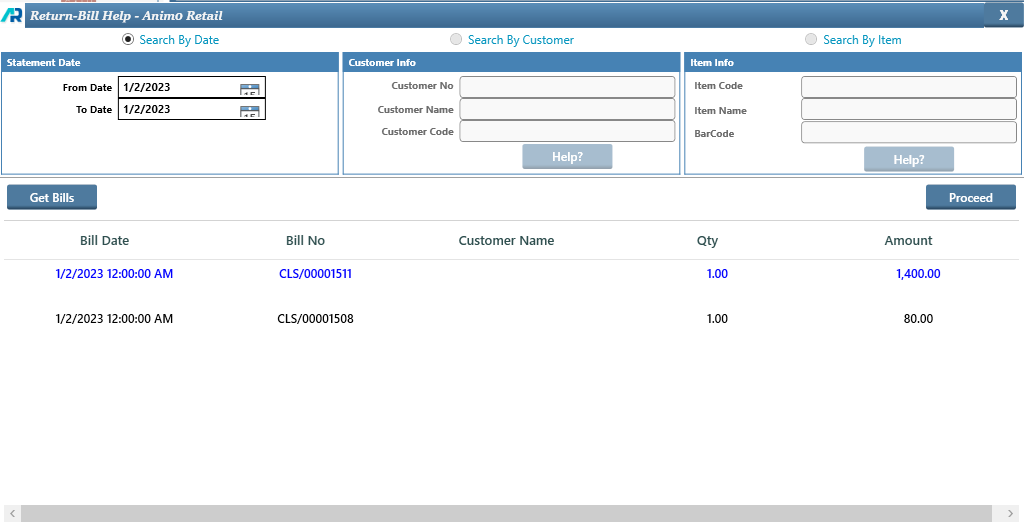
>Select the date range of the bill and click on the Get Bills button. Select Bill and click on Proceed button.
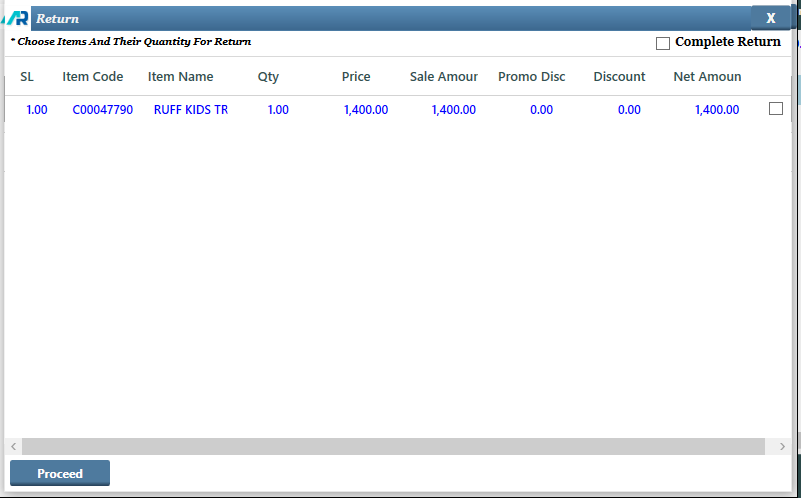
>After click on Proceed button this window will open. now select the item by clicking on check box option, then again click on Proceed button.
>After Click on Proceed button this window will open, now click on Done button.
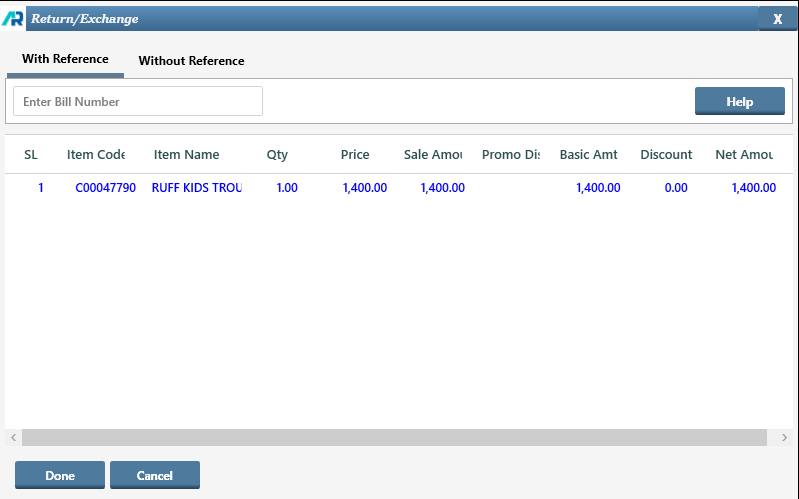
> After Click on Done button you will see that the exchange item will show in the new bill and the net payable amount will show the difference between the two.
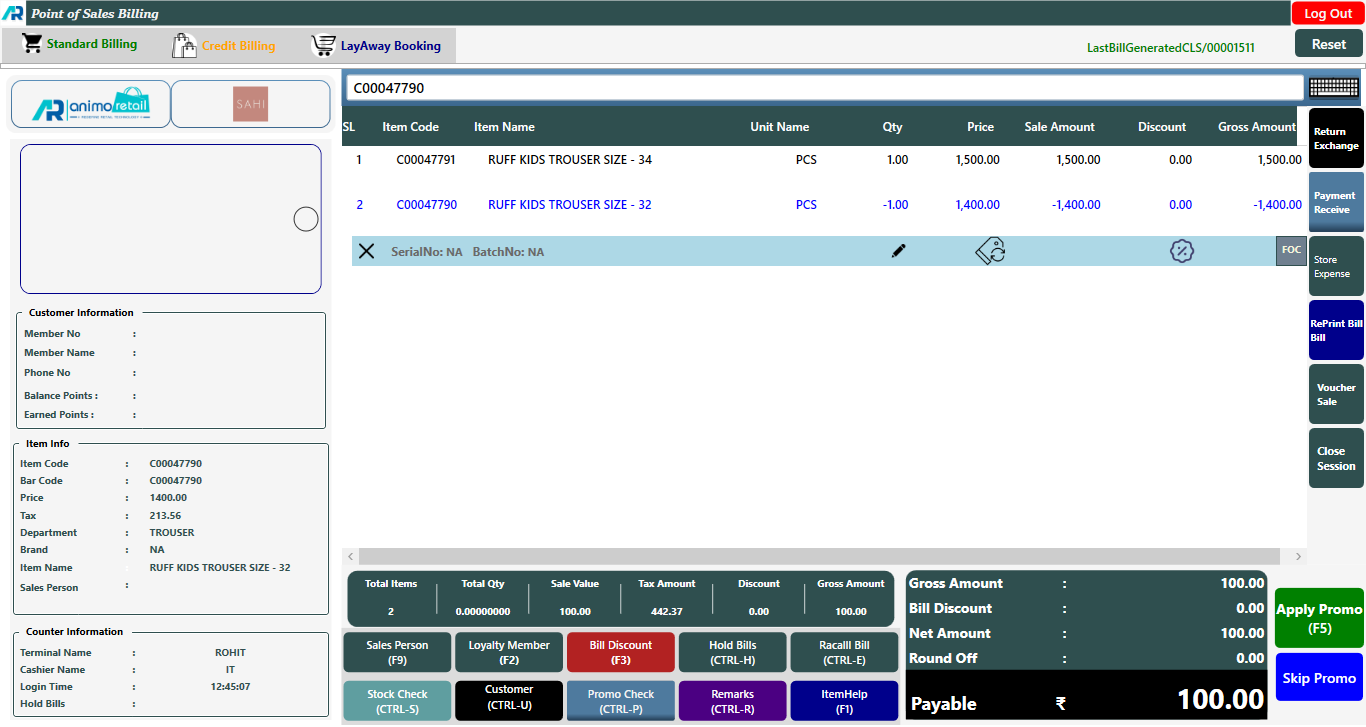
> Now you can save this bill and collect the difference amount from the customer.
>> But if the difference amount shows in the minus, then we have two option, either we refund the cash to the customer or we issue a credit note of that amount and give it to the customer.
>> If bill amount showing in minus after adjust exchange, like the item you have returned has a higher selling price and the one you have purchased has a lower selling price. In that case what would you do
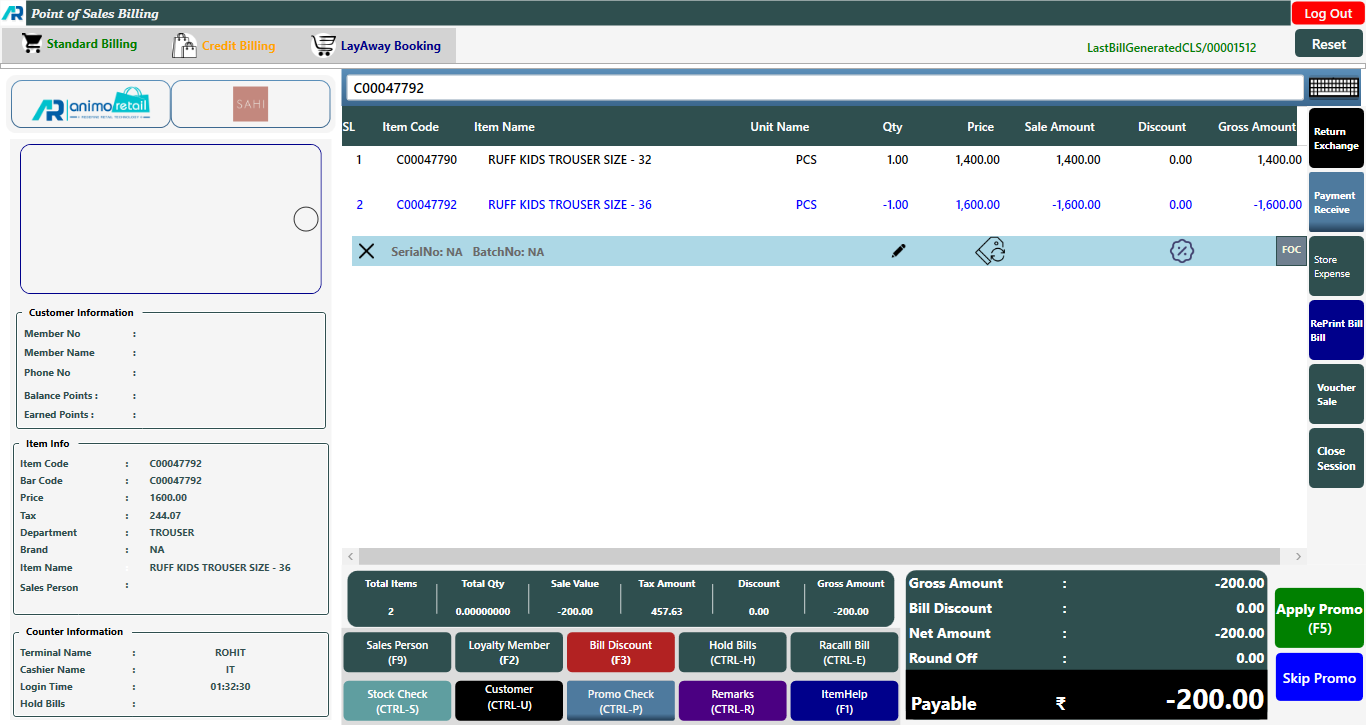
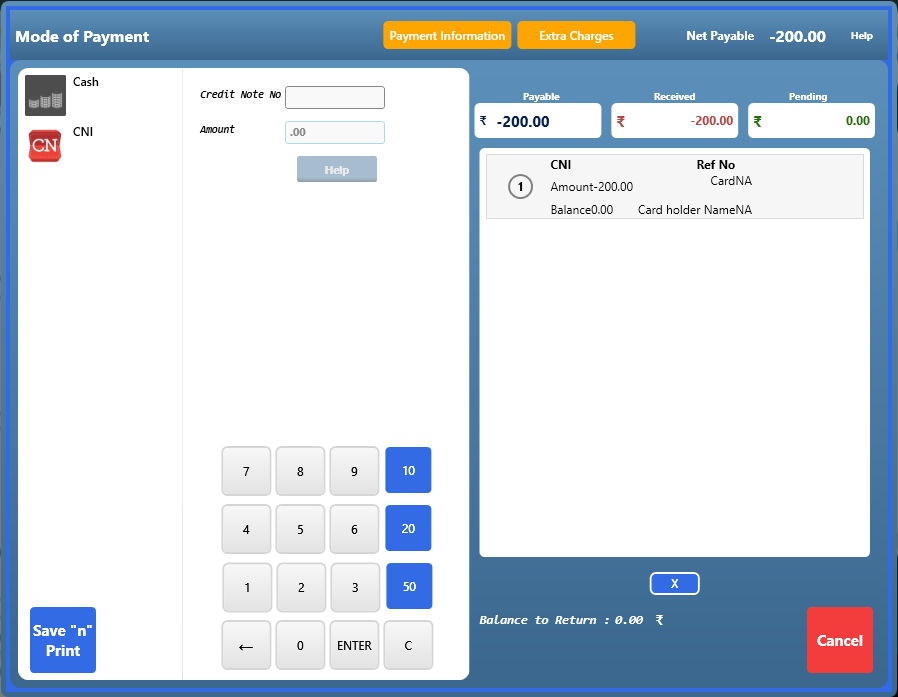
>Click on F5 button and open tender window. You can see there are two options. if you want to refund cash then you just press enter button and save the bill. if you want to issue a credit note for difference amount then click on CNI option.
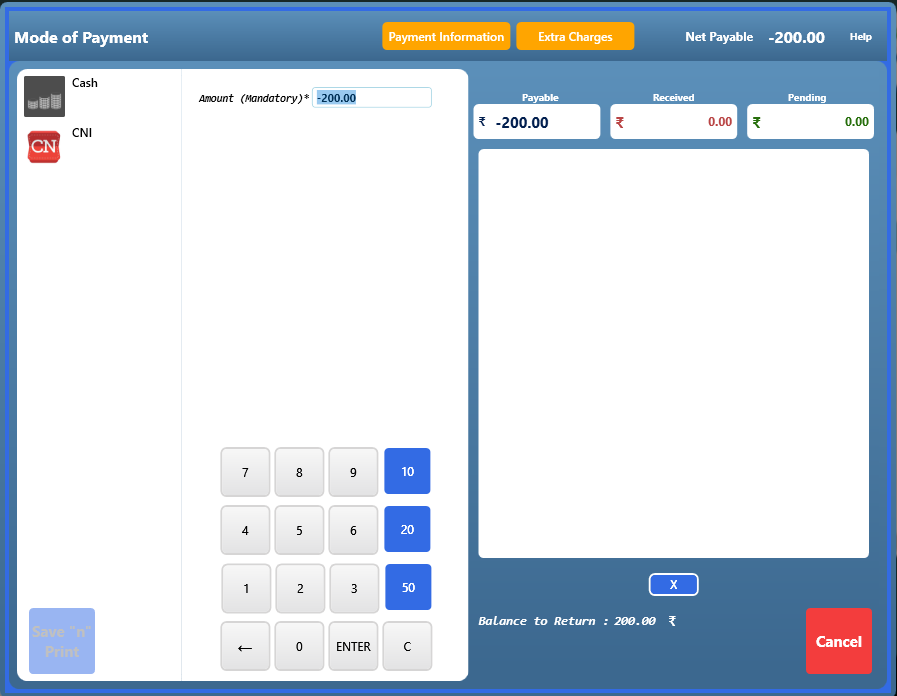
> After Click on CNI option just click on amount column and press enter button.
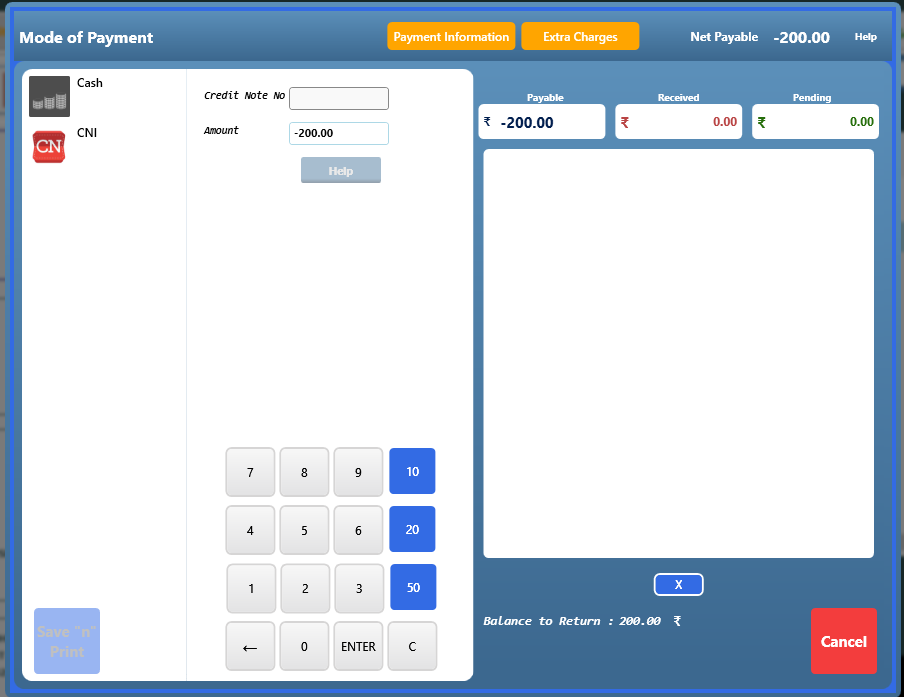
> After click on enter button, click on Save n Print button.
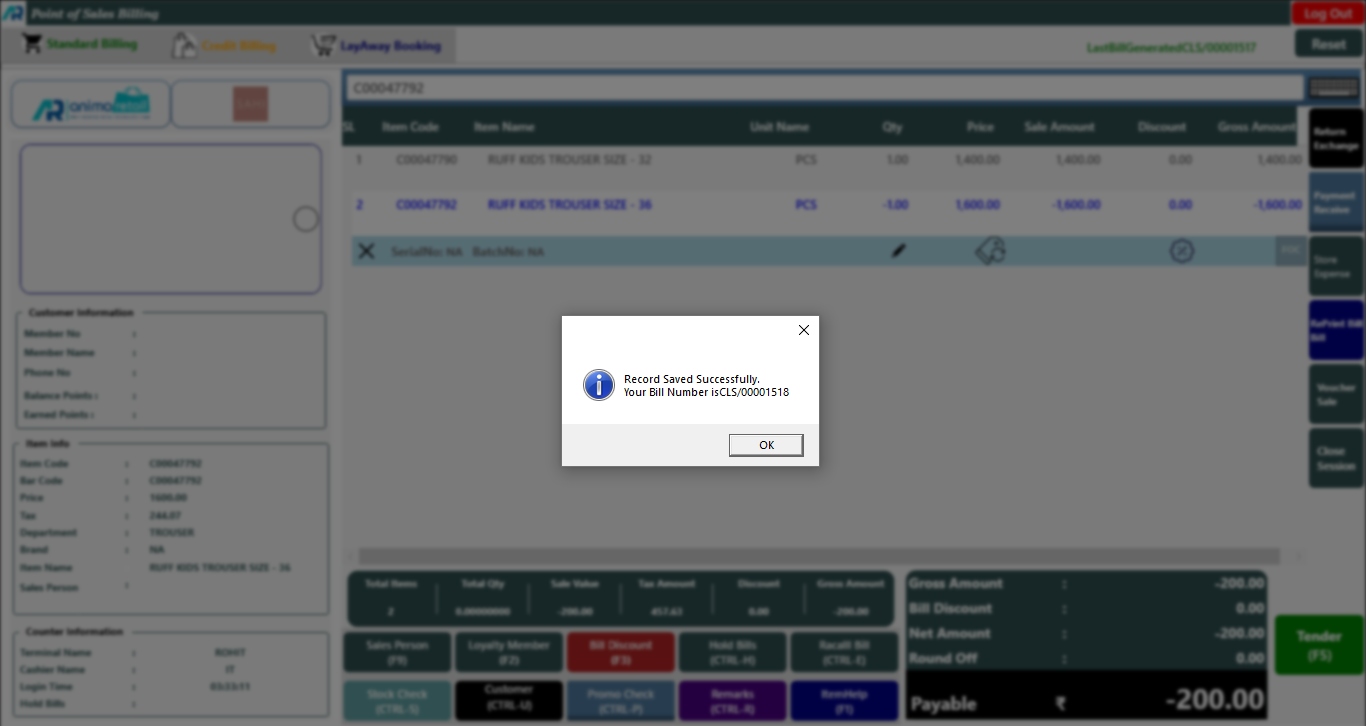
> Now as you see the confirmation message will appear and whole process is complete now.