AR/WEB-007- How to create New User.
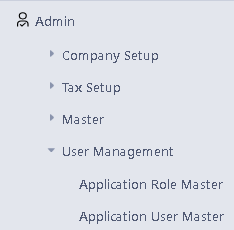
> Navigation: Admin > User Management > Application User Master.
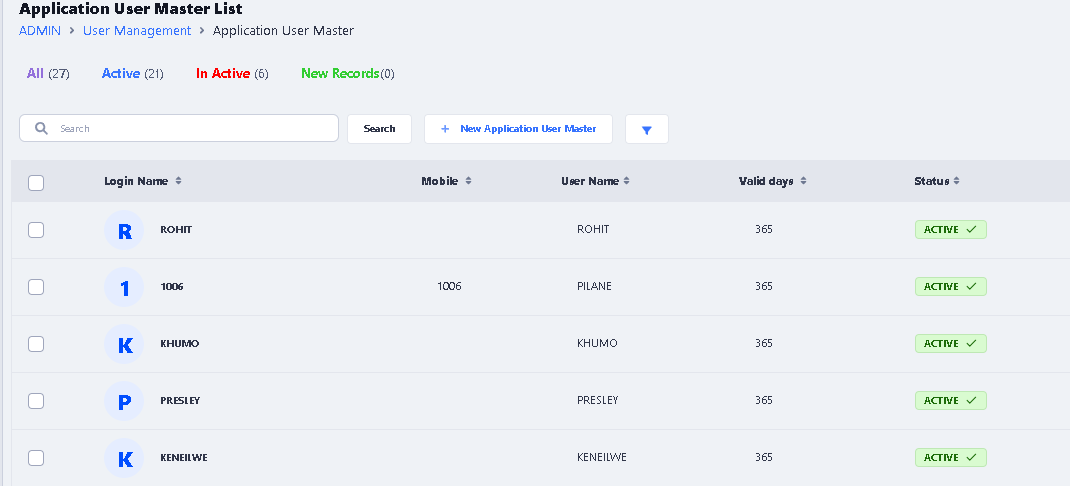
> After click on Application User Master this window will appear. For Create New User, click on New Application User Master button.
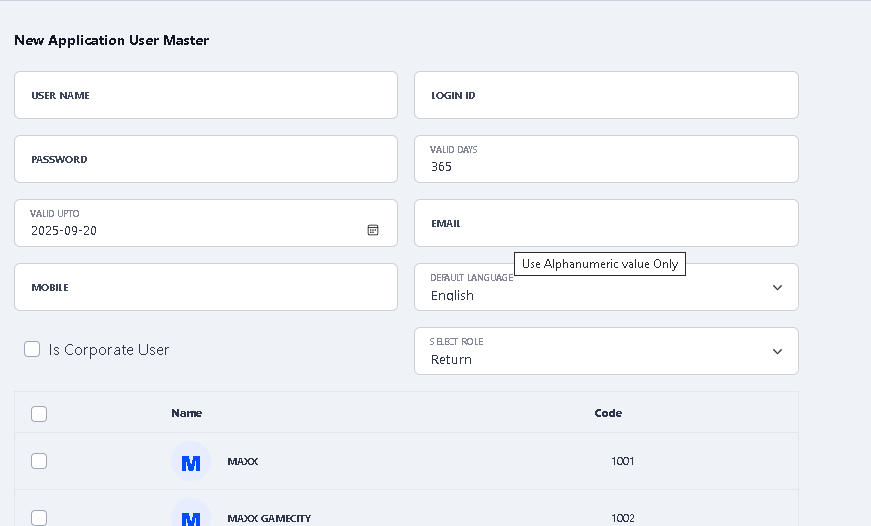
> After click on New Application User Master button the new window will be open.
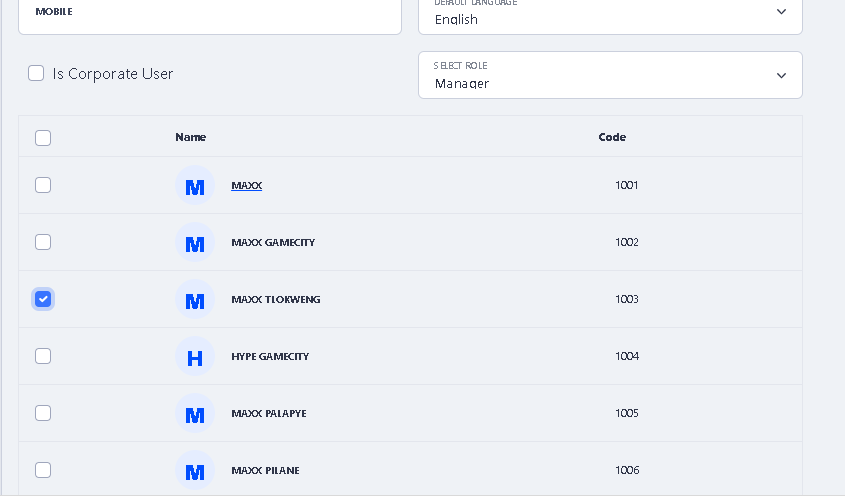
>Enter the login details like Username, Login ID and Password and select the Role in which you want to create user by click on Select Role drop down option
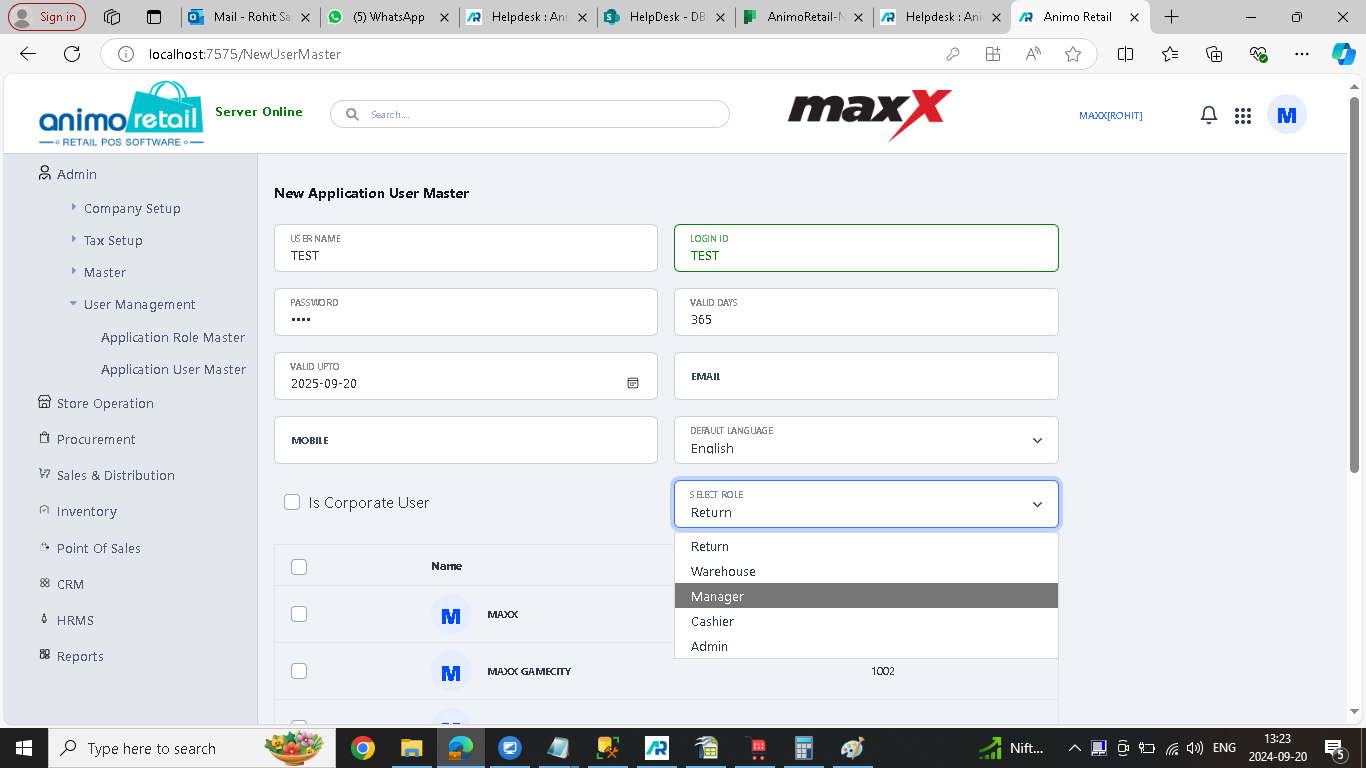
> Now Select the Organization for which you want to create this user by clicking on the check box.
> And if you want to create it for all organization then click on Is Corporate User check box option.
> After that click on Save Application User Master button to save it.

> Now your New User Create Process is completed successfully……