How Can We Help?
AR/WEB-005- Inventory-Stock Adjustment
- Navigation to Stock Adjustment Inventory – Transactions – Stock Adjustment
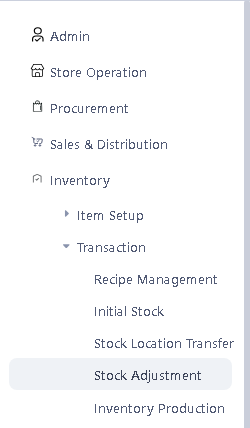
- This application open an interface as shown below.
-
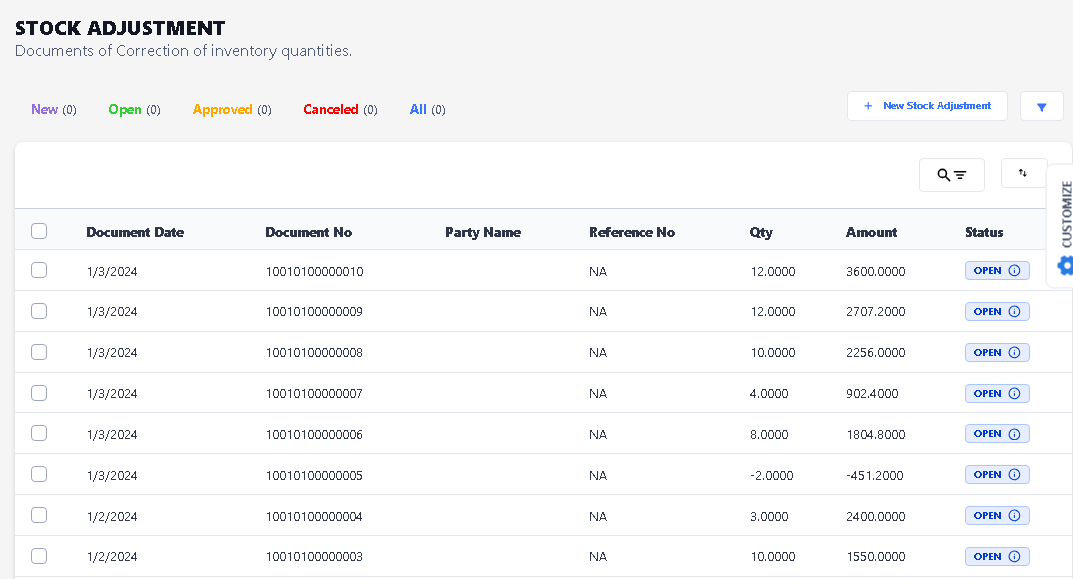
- Click on New Stock Adjustment button.

- After click New Stock Adjustment button, this window will open.
-
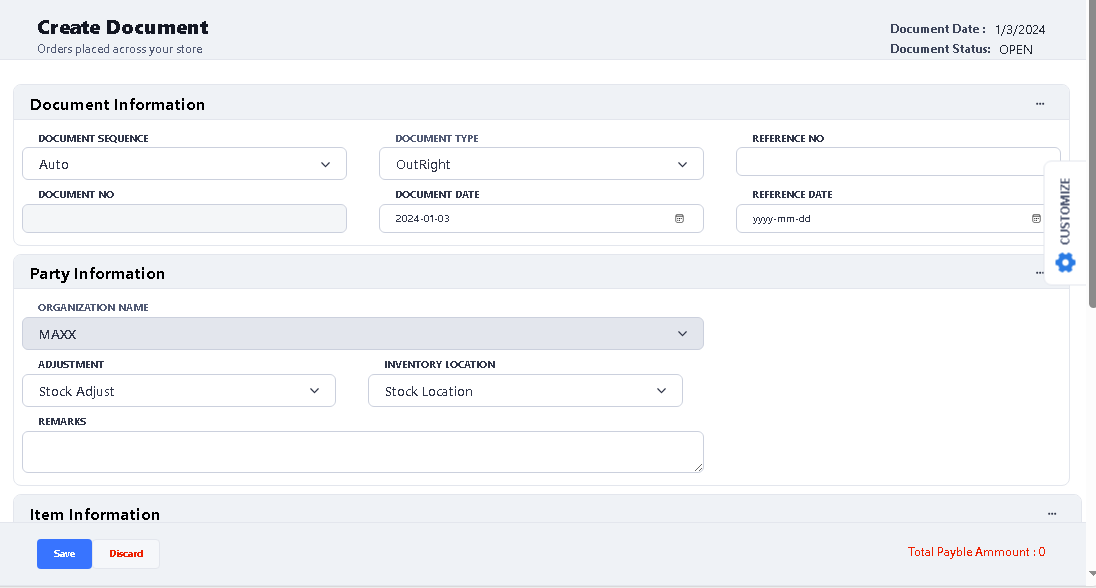
- There are two ways, stock adjustment entry can be performed.
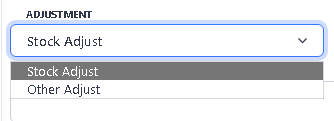
- Stock Adjust
- The value entered in Adjust Column will be updated to In Hand Qty so formula will be Closing = In Hand + Adjust
- To decrease the stock write Adjust Qty in negative
-

- If actual stock position is 26 pcs and you want to increase the stock quantity from 24 to 26 then you put 2 in the adjust column (In Hand + Adjust= 24 +2) = 26 pcs
- If actual stock position is 22 pcs and you want to decrease the stock quantity from 24 to 22 then you put -2 in the adjust column (In Hand + Adjust= 24 +(-2)) = 22 pcs
- Other Adjust
- The value entered in Adjust Column will replace existing On Hand Qty and adjust the stock accordingly. Whatever quantity you enter and save in the Adjust column, it will show your In-Hand quantity,
- Click on Save button.

- Once Document is saved it shows a confirmation message
-
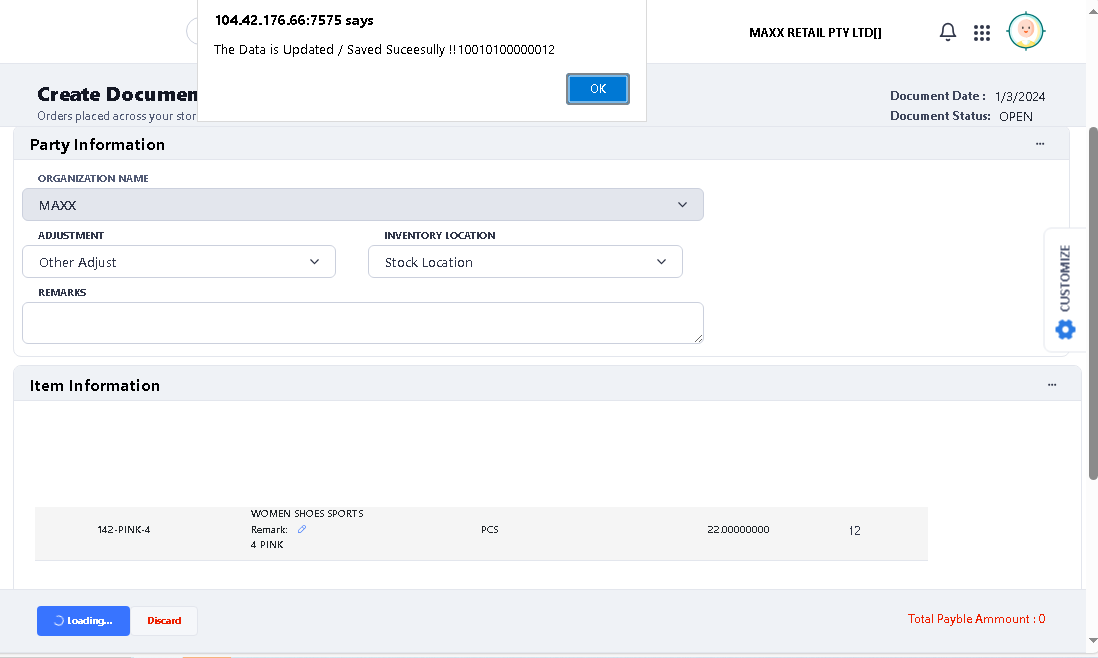
- Now your Stock Adjustment process is completed.