How Can We Help?
How to cancel a POS Bill?
A Point of Sales bill once made cannot be canceled from POS Application. It can be canceled from Web Application (Backoffice) but that too only if a Credit Note is not issued or Redeemed in this POS Bill also system will validate and prevent cancelation if the bill is already synced to govt. regularities such as GST or ZATCA or TRA.
Open Web Application (Backoffice) from the browser
Point of Sales -> Point of Sales -> Retail Billing
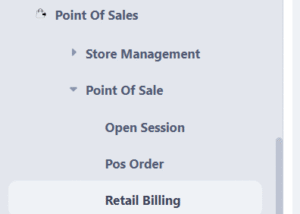
- All the bills appear in the list with default filters applied
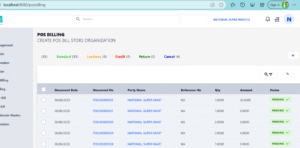
- Select the bill which need to be canceled
- The view interface opens of the POS Bill
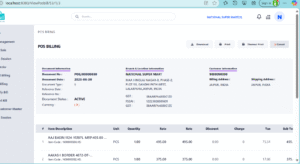
- Copy the Bill No (Document No)
- Click on Cancel Button
- Type or Paste the Bill No value in the text box, make sure there is no extra space in last, especially if you copy paste
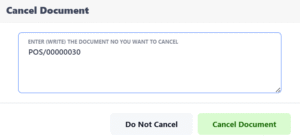
-
- click on Cancel button and it will be canceled
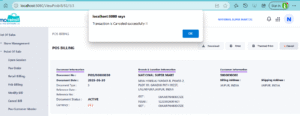
- click on Cancel button and it will be canceled
Need more help?
If you have questions or need further assistance, feel free to create a ticket https://animoretail.raiseaticket.com/ or browse our other help articles.