AR/WEB-003 How to create Business customer.
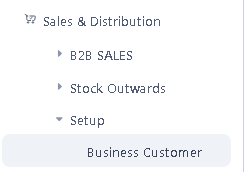
>Navigation : Sales & Distribution> Setup> Business Customer.
> Click on Business Customer function.
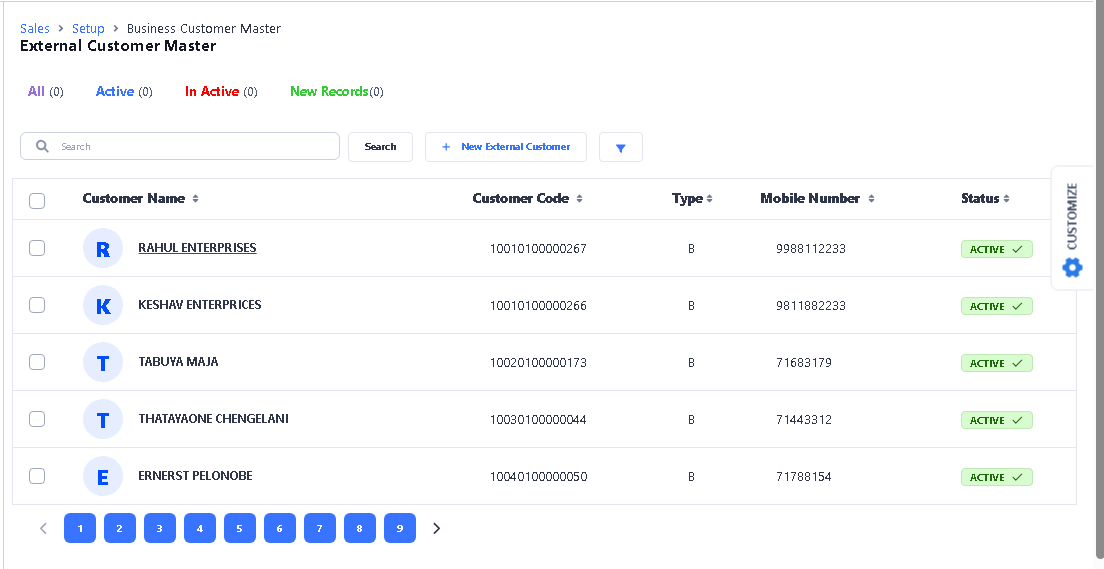
 >After clicking Business Customer this window will appear. Here you can see the list of already created Customers.
>Click New External Customer to create New.
 >After clicking New External Customer this window will appear.
>First you fill all Information like Customer Name, Legal Name, Select Currency, Customer Type, Sales Method, or other details.
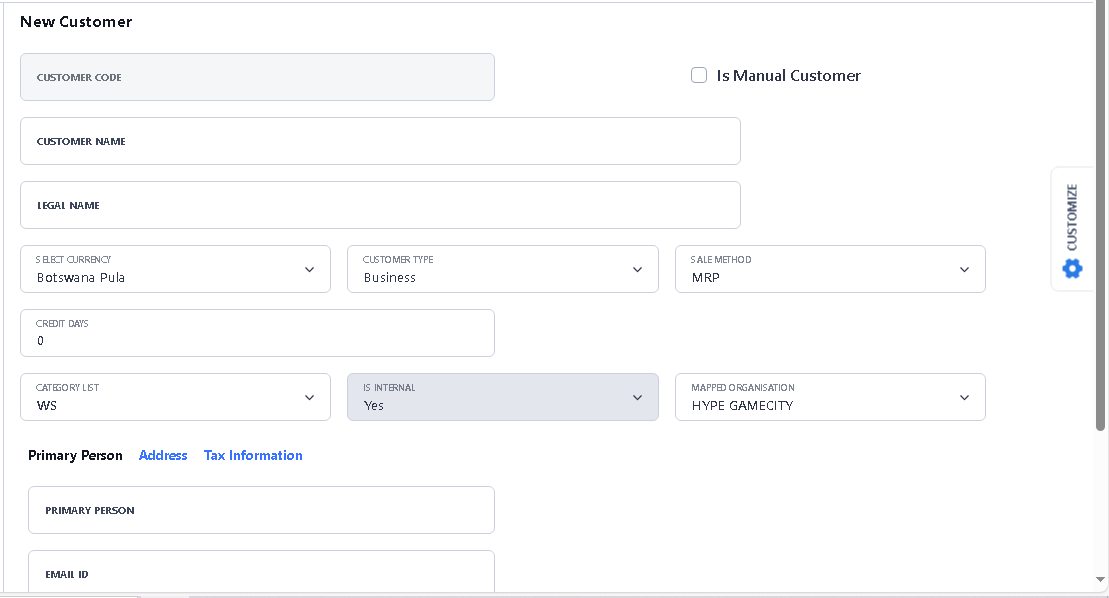
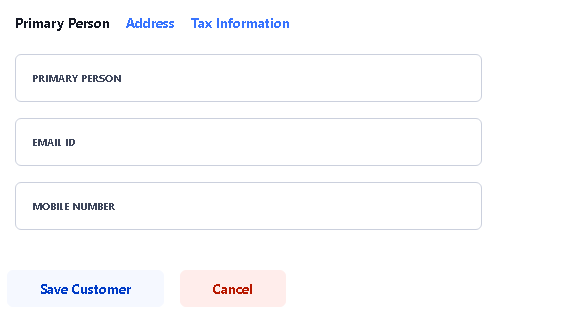
>Fill Primary Person details in Primary Person option.
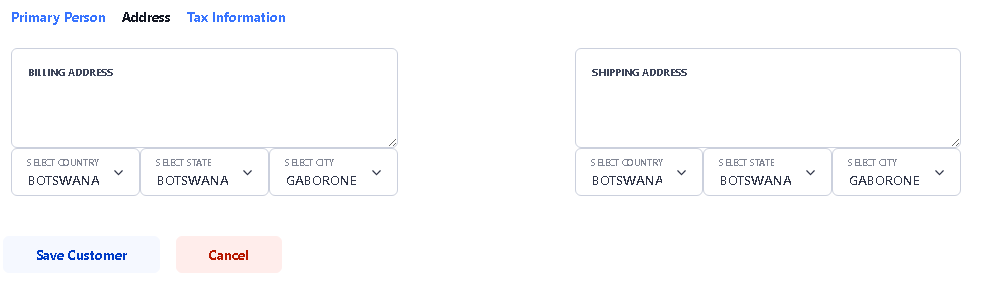
>Fill Address in Address option, it’s not mandatory.
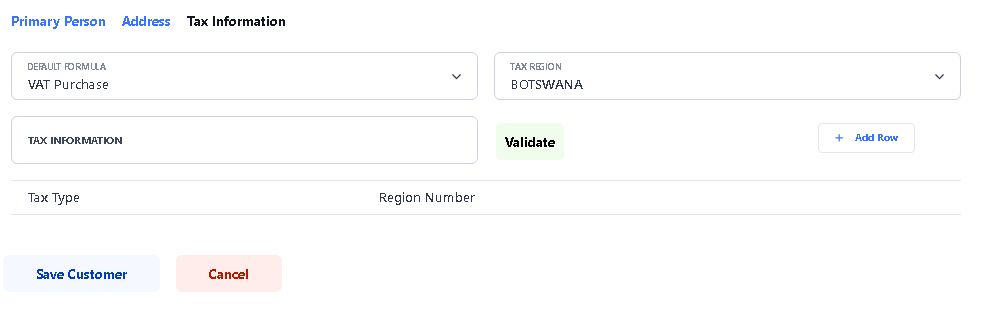
>Fill Tax Information details if any, it’s not mandatory.
>After fill all the details, click to Save Customer button to save the customer.

>After Click Save Customer button, you will see the confirmation. click ok.
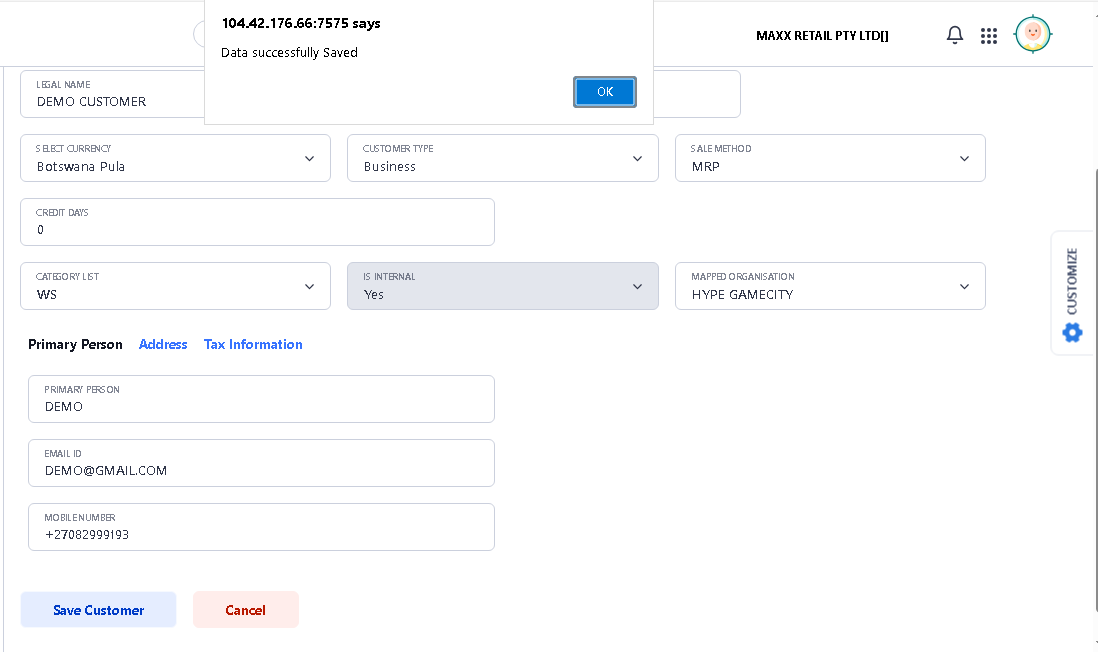
>Now your Business Customer create Process is Completed……