How Can We Help?
Change Database Configuration in POS
- ocate the application installed folder, ensure you have given permission to Domain User or Everyone, if you are not sure we request you to please give permission to everyone.
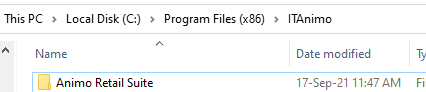
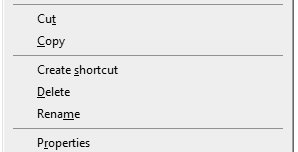
- Right Click on folder and click on Properties
- Go to Security , Check if you have permission for everyone or related Domain User.
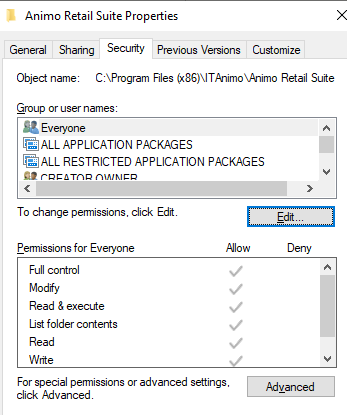
- f not then click on Edit and Add Everyone User Group and give all permission to it.you will find a file name AnimoRetail.exe.config.
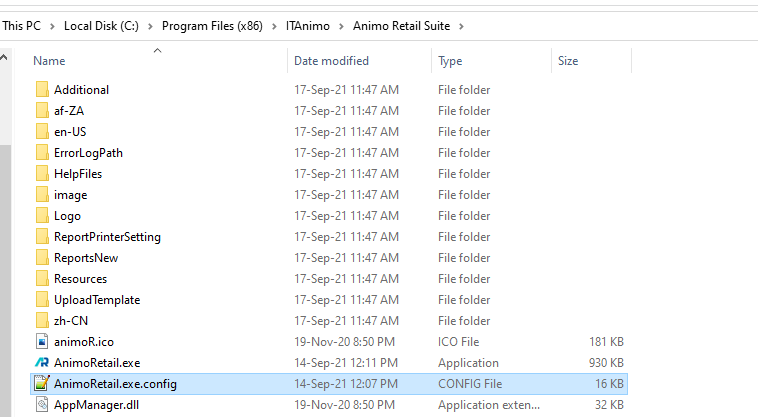
- Open this file in notepad, Find block containing Application Configuration Starts.
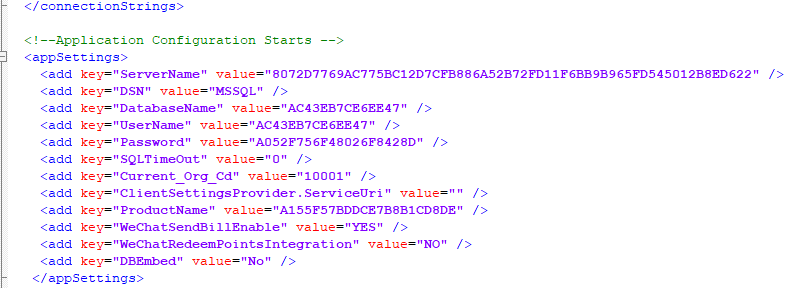
- Change any Key Value from this Application Configuration as below I have deleted database value

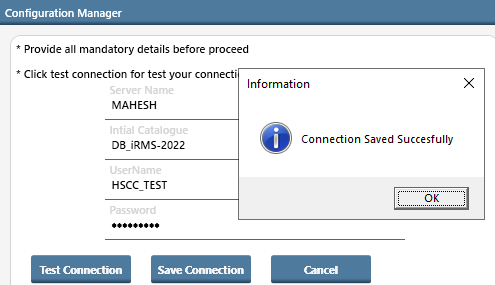
- Save it and open Animo Retail and it will ask you to configure server , database ,user and password.
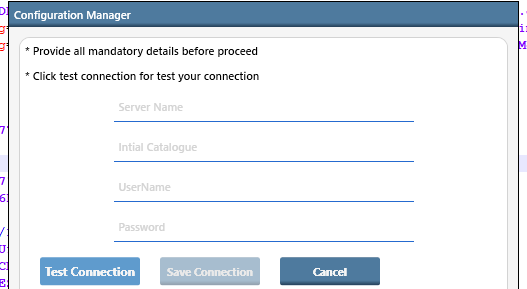
- After feeding all information click on Test Connection.
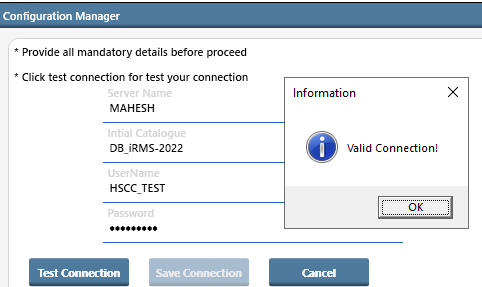
- Now Save the connection.
2.Now open Animo Retail it will ask for your user and password