How Can We Help?
AR/WEB-006-How to Manage Predefined Size Group
Size Group is used to manage variant items in easy way when creating an item, there are many ways a size group can be created such examples are below
| XS-4XL | XS, S, M, L, XL, XXL, XXXL, 4XL | |
| 30-38 | 30, 32, 34, 36, 38 | |
| Men’s Garments Upper | XS, S, M, L, XL, XXL | |
| Men’s Shoes | 5, 6, 7, 8, 9, 10, 11 |
Steps to manage size group are:
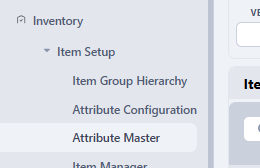
- To manage size group, ensure all sizes are already made in attribute 10 in Item Setup, Navigate to Attribute Master to verify and create.
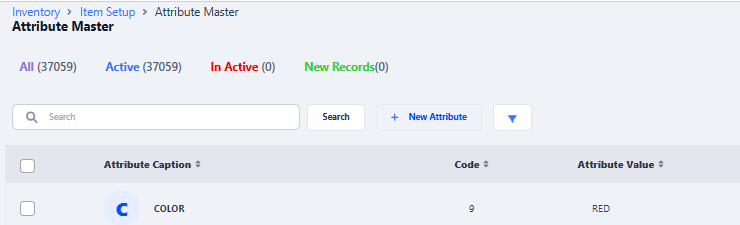
- To create new click on New Attribute
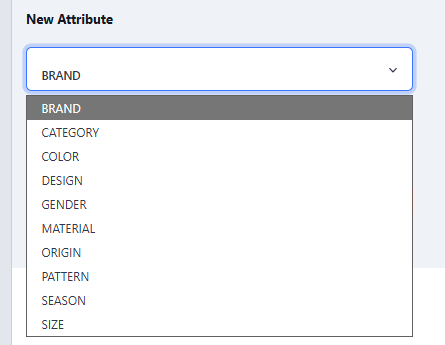
- Choose Attribute 10 – Size
- Enter Size Value and click on Save & Close
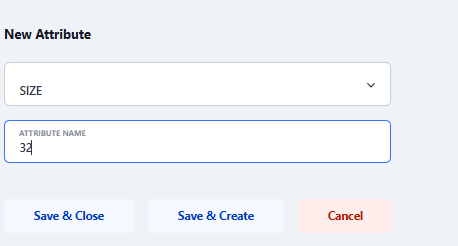
- If exist it will show you that it already exist or it will show the attribute is saved
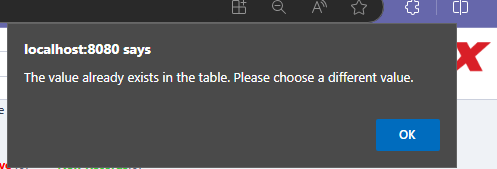
- Once you saved all required sizes in attribute master
- Navigate to Size Mapping Option in Item setup
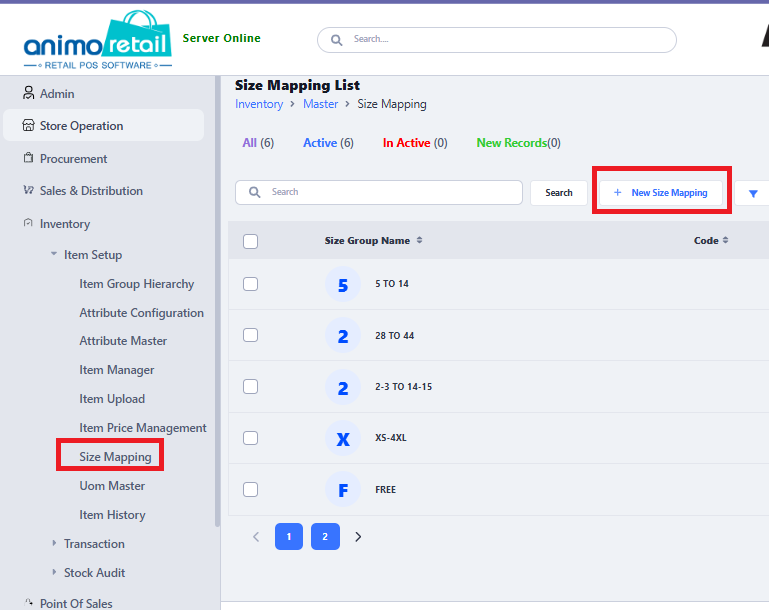
- Click on New Size Mapping to create new or click on existing size group to edit and add new sizes, Click on Add Row
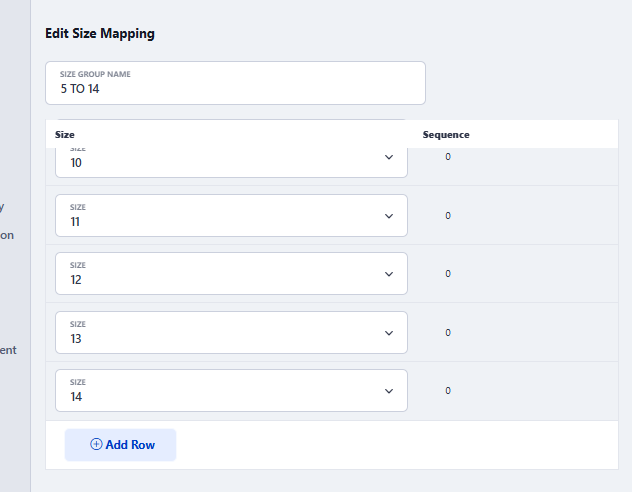
- A new row will appear with size NA, choose size according to your requirement
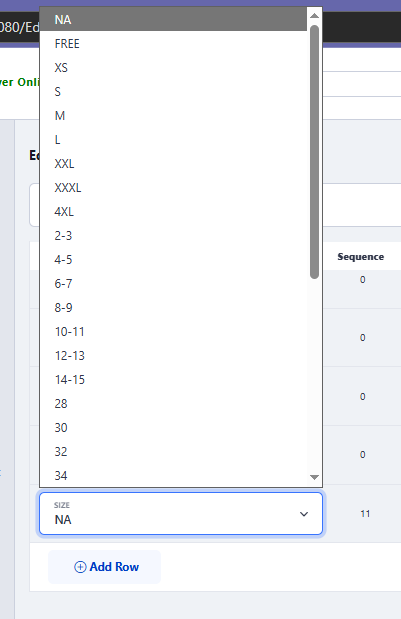
- Then Save it