How Can We Help?
How to Update Prices in Bulk
To update item master prices
- For Variant Items it will update price of particular variant for which barcode is provided in excel
- For Other Items it will update in Item Master
Steps
- Go to Reports – Master Reports – Item Master Reports – Item Master Price Report
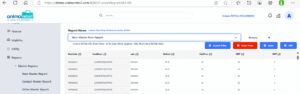
- Export this data in Excel, but if data is more than 100 thousand, please export it to CSV.
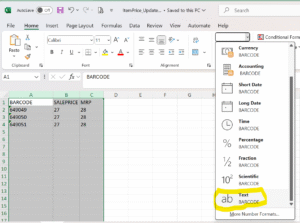
- Create an Excel File with three columns named BARCODE, SALEPRICE, MRP. Make sure that the column values are formatted as TEXT
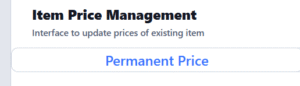
- Go to Item Setup – Item Price Management – Permanent Price
- Browse Excel File and upload it, screen will show the items like below
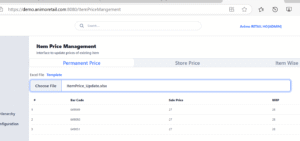
- Click on Save button and it will update the master prices
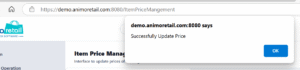
- After updating of master data it will sync item information from head office to stores as per predefined schedule