KB-0016 – How to Cancel a Lay-By / Lay Away/ Order
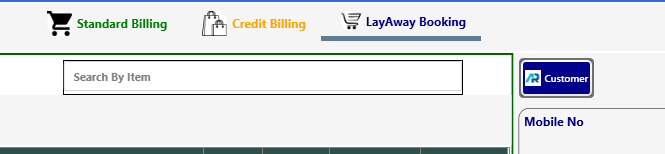
Click on Lay-Away Booking.
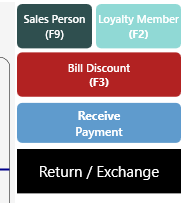
> Click on Receive Payment.
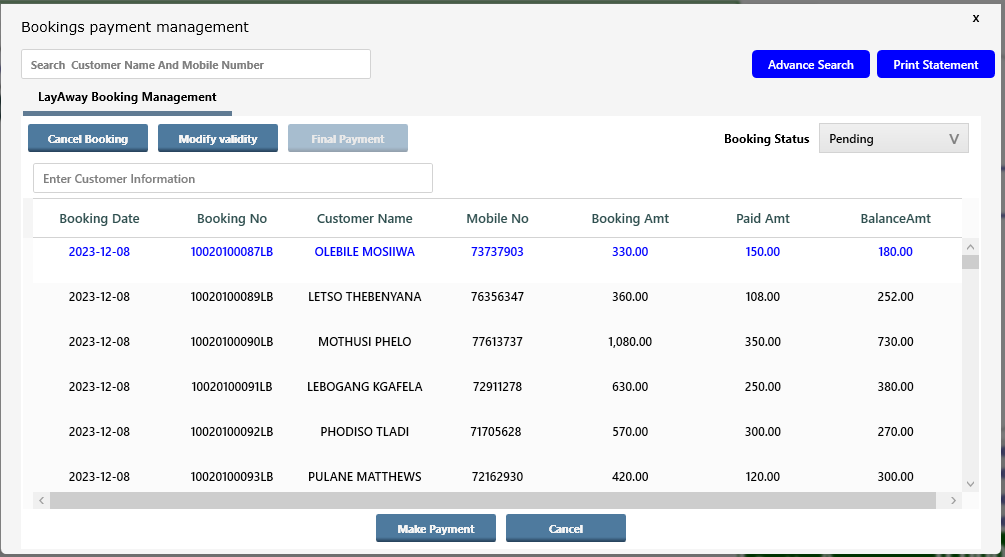
> A new page or window will appear with all pending orders/lay-by/lay-away, select the order to cancel.
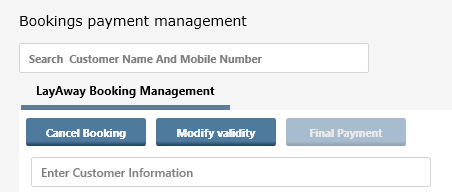
> Select the Order and click on Cancel Booking
 > Cancelation Fees Charges will appear as per configuration, An Authorized user can change cancelation charges if he/she is authorized to do so by clicking on button Cancelation Fees Charges.
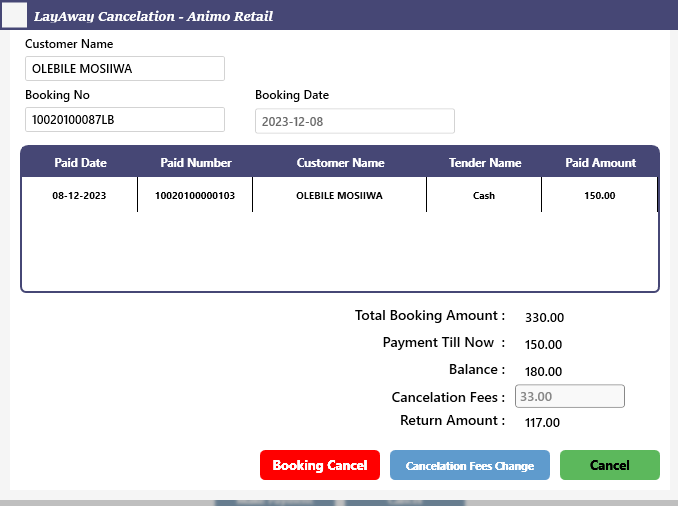
> If the user is authorized the text box in front of Cancelation Fees will be enabled.
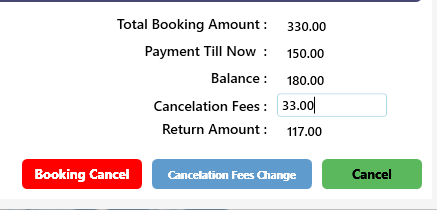 > After changing the Cancelation Fees Value Return Amount will be changed as mentioned below.
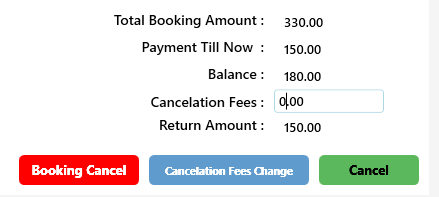 > Press on Booking Cancel button to cancel the order and return the money to customer.
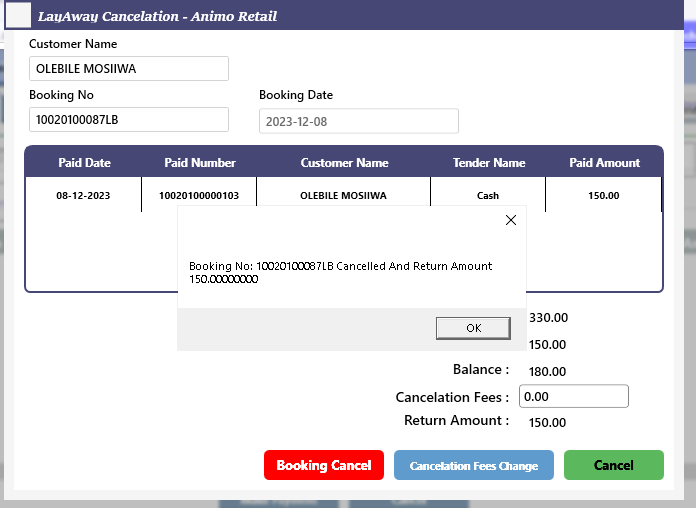
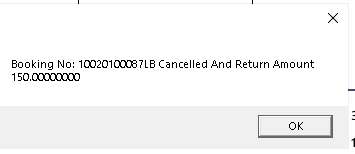
> A confirmation message will appear as below
>> Now your Lay-by cancellation process is completed….