KB-0017 – How to Change Price at POS while Exchange/Return Items.
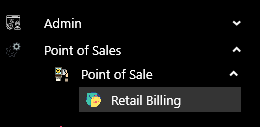
>Navigation : Point of Sale >Point of Sale > Retail Billing.
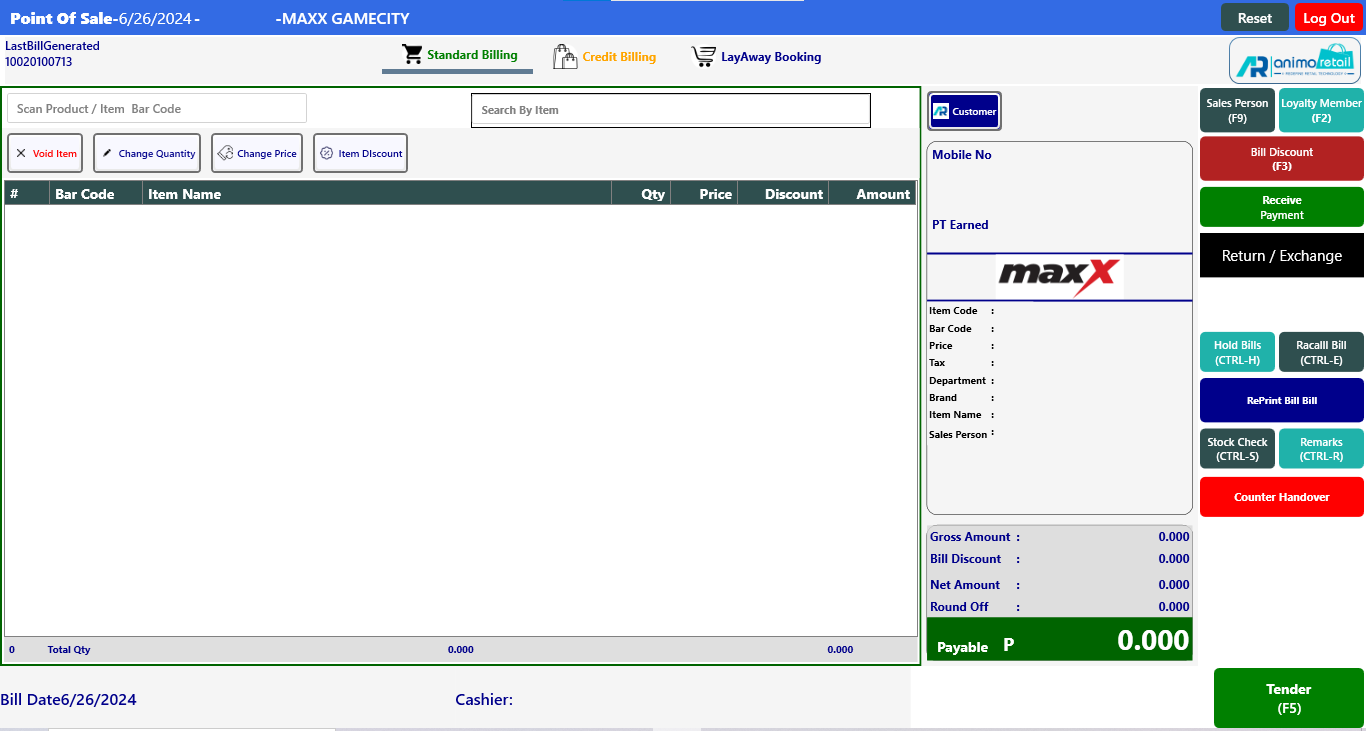
 >After clicking Retail Billing function this window will appear.
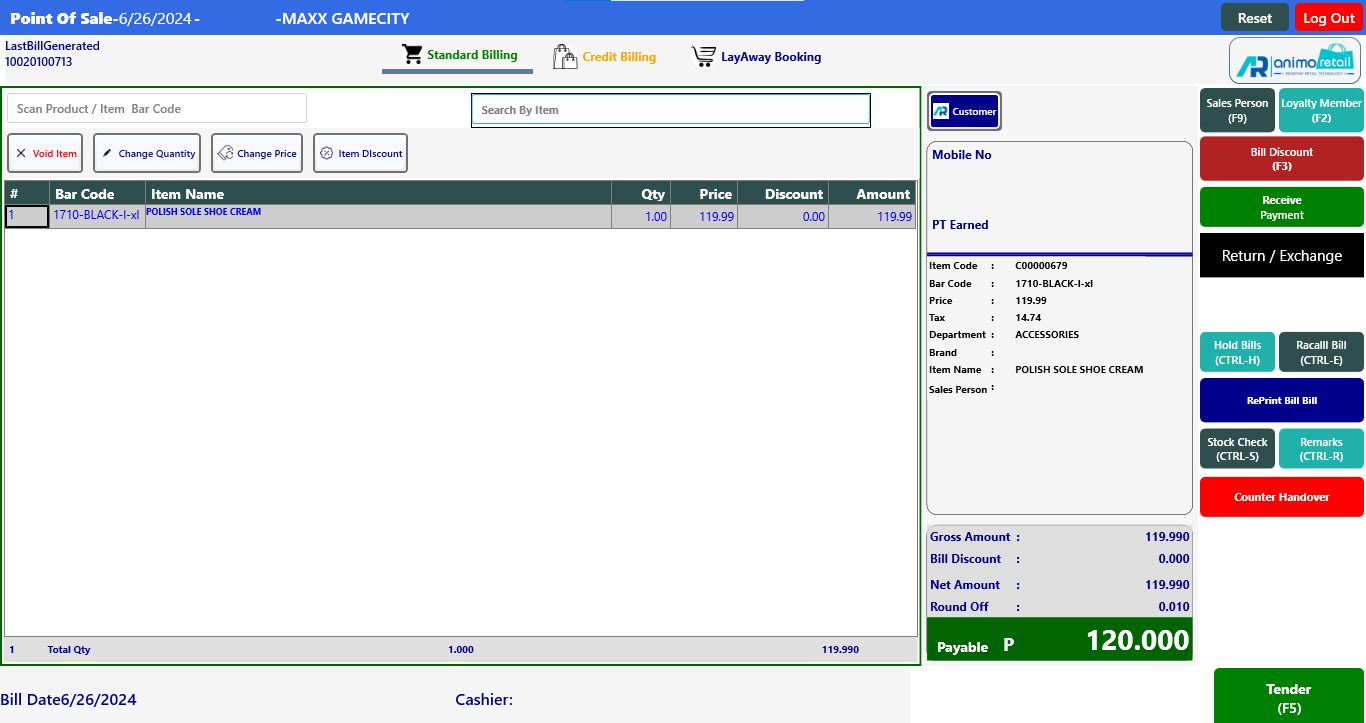
> Now scan the items, which you want to purchase against the exchange.
> After scan purchase items, click on Return / Exchange button to select exchange item
 >After click on Return / Exchange button this window will appear.
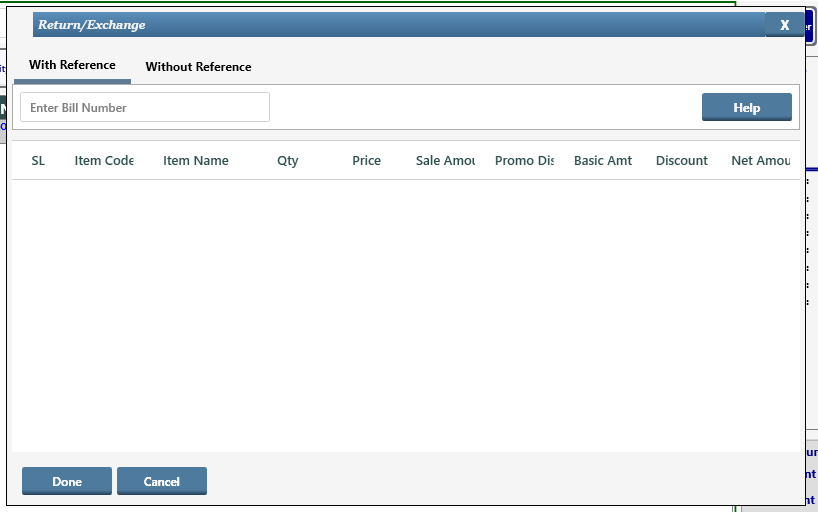
> Click on Without Reference option to scan the exchange item.
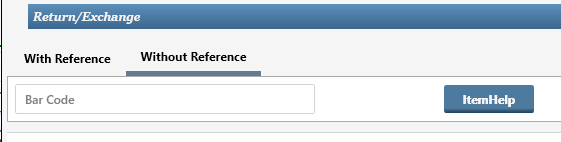
> After click Without Reference option, you will see the Barcode scan option, scan the barcode here which you want to exchange.
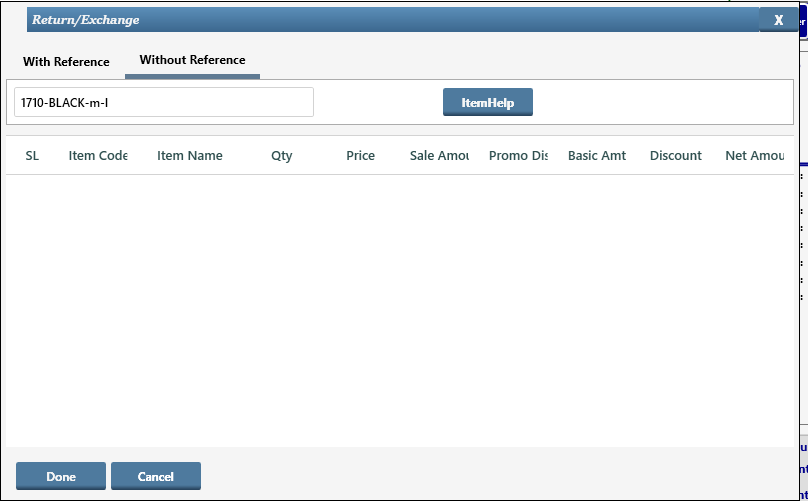
> After scan the barcode, click on Done button
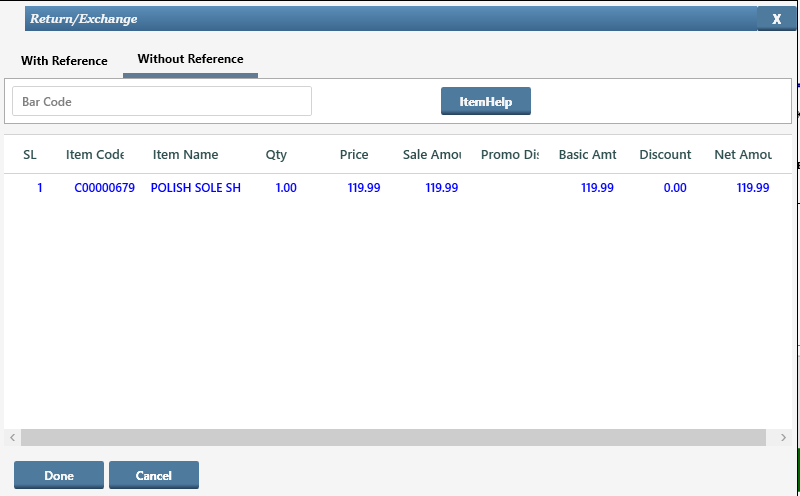
> After click on Done button you will see the Exchange item also showing on billing screen.
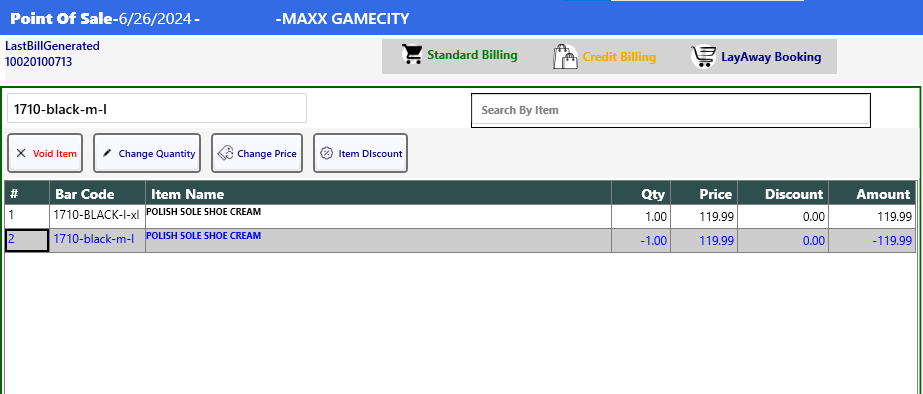
> Now if you want to Change Exchange item price, first select the exchange item then click on Change Price button.

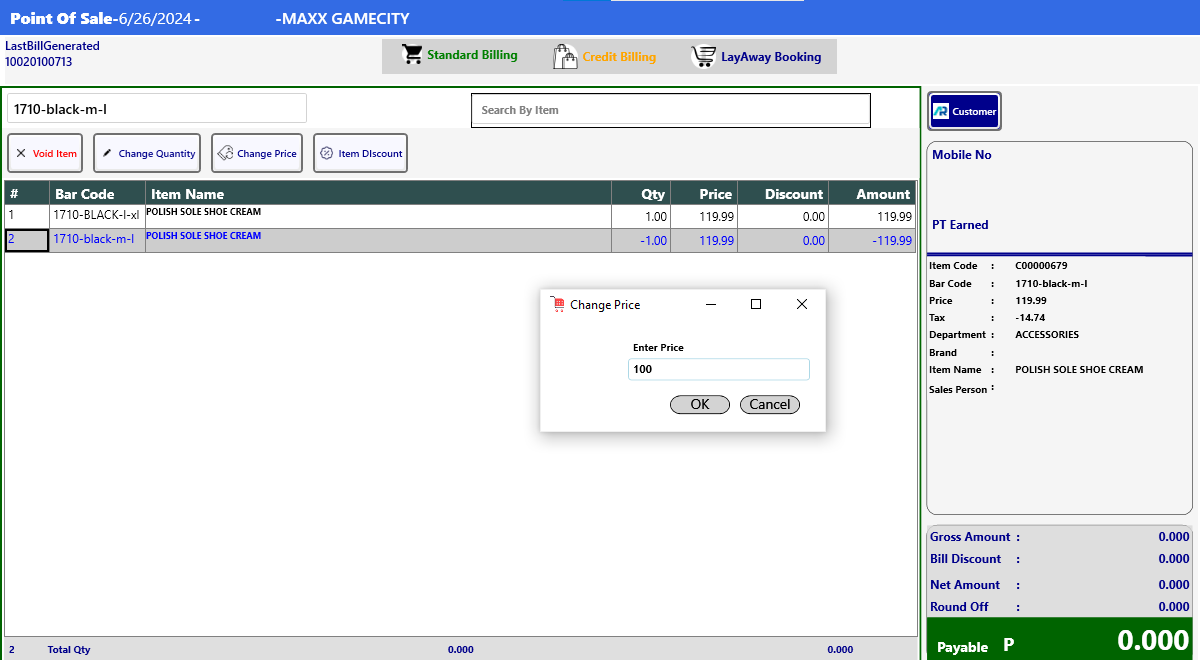
> After click you will see the Change Price window will open, enter the Change Price here then click Ok button.
> After clicking OK, the Price of the Exchange item will change.
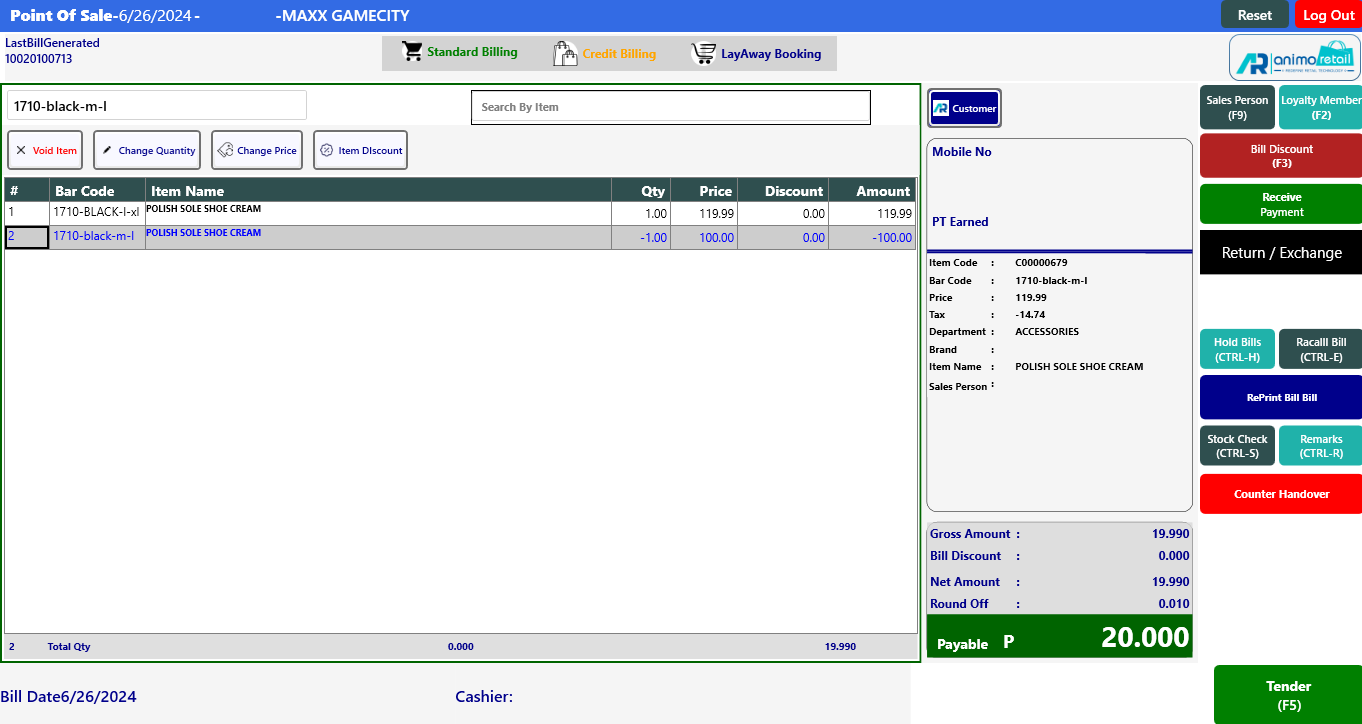
>> Now save the Bill.